
Search smallrig.com...


Camera Gimbal Weight-Reduction Guide: 8 Practical Tips
SmallRig 2026-03-04 23:46:05
Contents
A heavy gimbal build steals your speed and your stamina. Most of the “mystery weight” comes from the DSLR rig shell around the camera: rods, plates, handles, batteries, and the stuff hanging off them. Swap the right parts (especially carbon fiber rod options), simplify the layout, and your rig starts feeling like a tool again—not a gym session.
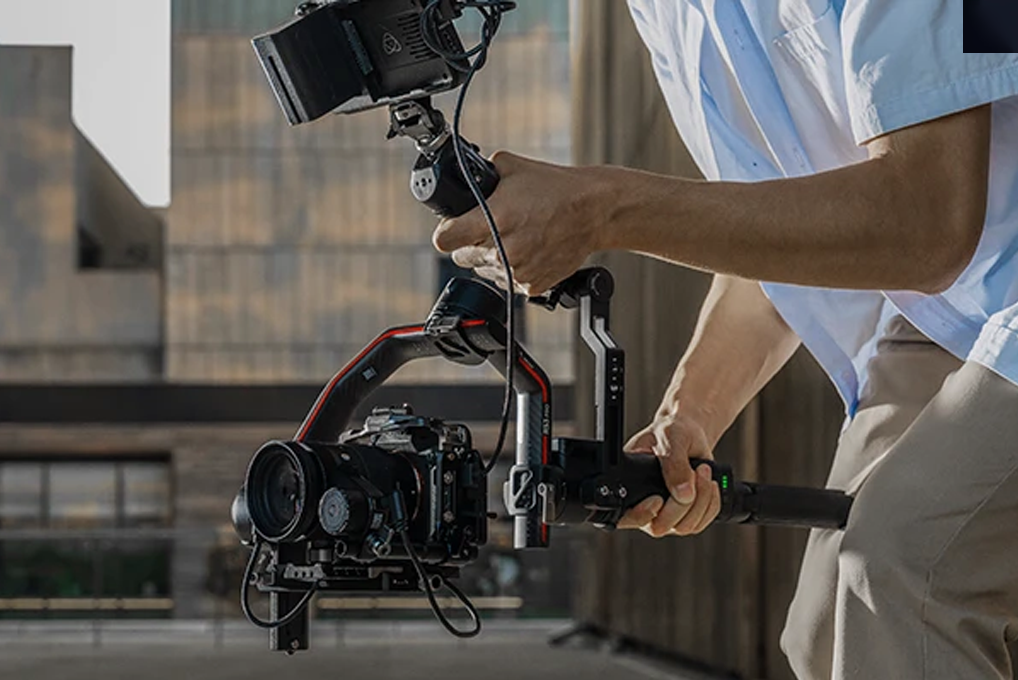
Tip 1: Where Does Weight Hide In A DSLR Rig?
Before you buy anything, find the real culprits. A quick weight audit saves money because it tells you what actually moves the needle on total load.
Camera Body And Lens
Body-only weights for common full-frame mirrorless cameras often land around the mid-600g to mid-700g range, and that’s before you add a lens, a plate, and a battery. A big zoom can easily outweigh the cage or rods you’re debating, so lens choice is your first “free” weight cut.
Support Structure
Baseplates, quick releases, rod clamps, and metal handles stack up fast. They don’t look huge individually, but they add weight in the worst places—out front and up top—where your arms feel it more.
Power And Monitoring
Battery and monitoring choices can swing the weight a lot. A Sony NP-F970 is listed at about ~300g. Many ~98Wh V-mount class batteries land closer to ~590g, and some can be heavier (around ~700g for certain 98/99Wh styles).
Tip 2: Can A Carbon Fiber Rod Cut DSLR Rig Weight Without Losing Rigidity?
Carbon fiber rod swaps are one of the cleanest ways to drop weight without losing features. You keep the same accessory layout, just with a lighter structure. For example, if you’re on a standard 15mm setup, you can swap to a dedicated set like SmallRig’s 15mm Carbon Fiber Rods to keep your layout while shaving grams off the front end.
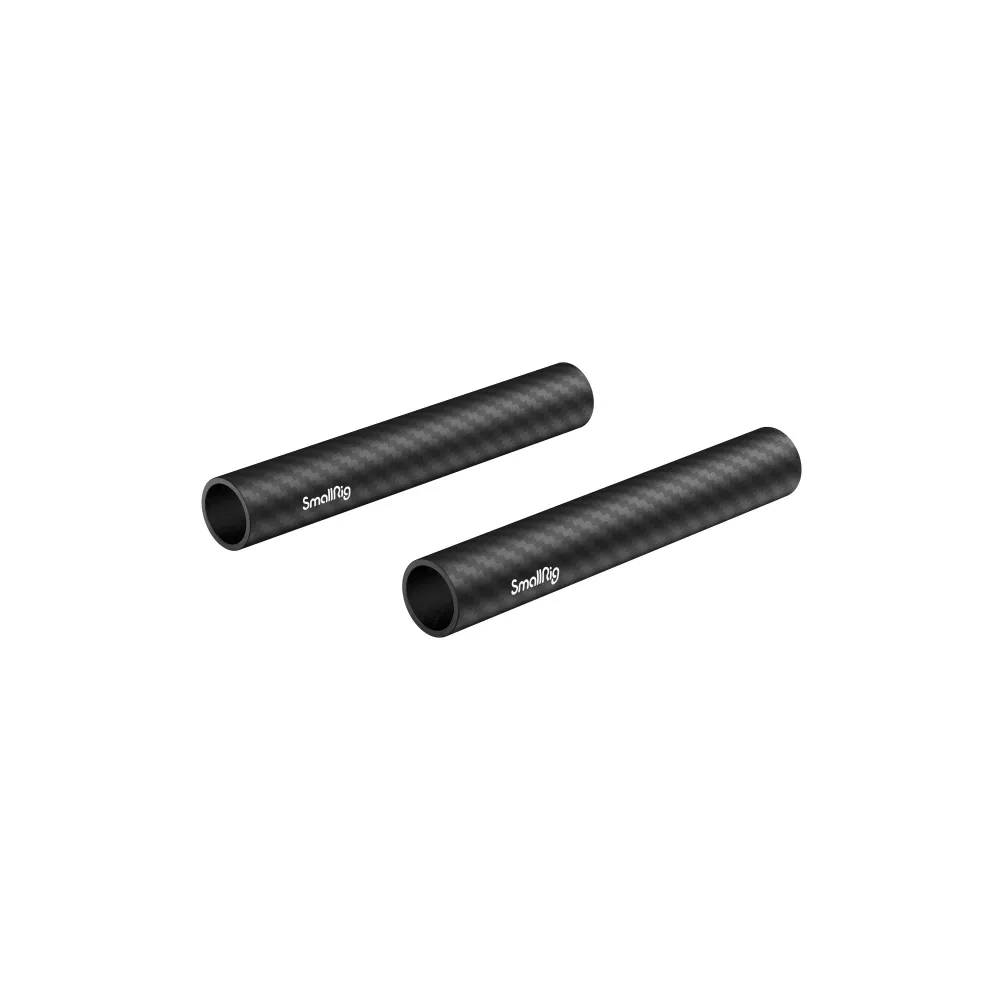
Carbon Fiber Rod Weight Savings
Carbon fiber composites are often cited around ~1.55–1.6 g/cm³, while aluminum is ~2.7 g/cm³. Even before you talk about “hollow,” that density gap usually means meaningful savings for rods, handles, and extensions.
Hollow Carbon Fiber Rod
A hollow carbon fiber rod saves more because you’re removing material where it does the least work. For a 15mm system, the outer diameter stays consistent, but wall thickness controls the trade: thicker walls for harder abuse, thinner for maximum savings. For gimbal builds, a moderate wall thickness tends to hold up well if clamps are set correctly and you avoid overtightening.
Fit And Compatibility
Most DSLR rig ecosystems use 15mm LWS-style rods and clamps. Industry explanations describe how rod standards support accessories like follow focus, matte boxes, and handgrips, and 15mm LWS setups commonly reference 60mm spacing. When you buy carbon fiber rod sets, match diameter first (15mm), then length, then confirm clamp style.
Close this step by re-weighing the rig. Rod changes often “feel bigger” than the scale shows because they reduce front-heavy leverage.
Tip 3: Which Camera Handle Setup Keeps A DSLR Rig Light And Easy To Hold?
A camera handle can help or hurt. The goal is fewer parts of doing more jobs: carrying, balancing, and mounting small accessories.
Top Camera Handle
A compact top camera handle with a quick release can replace a bigger cage-top ecosystem. If you only mount a tiny mic receiver or a small light, a simpler handle saves weight and keeps the rig easier to pack. A practical example is a compact handle that already gives you a cold shoe for “small stuff” (mic receiver, tiny LED), like SmallRig’s Top Handle with Cold Shoe—so you don’t end up adding extra shoe blocks just to mount one accessory.
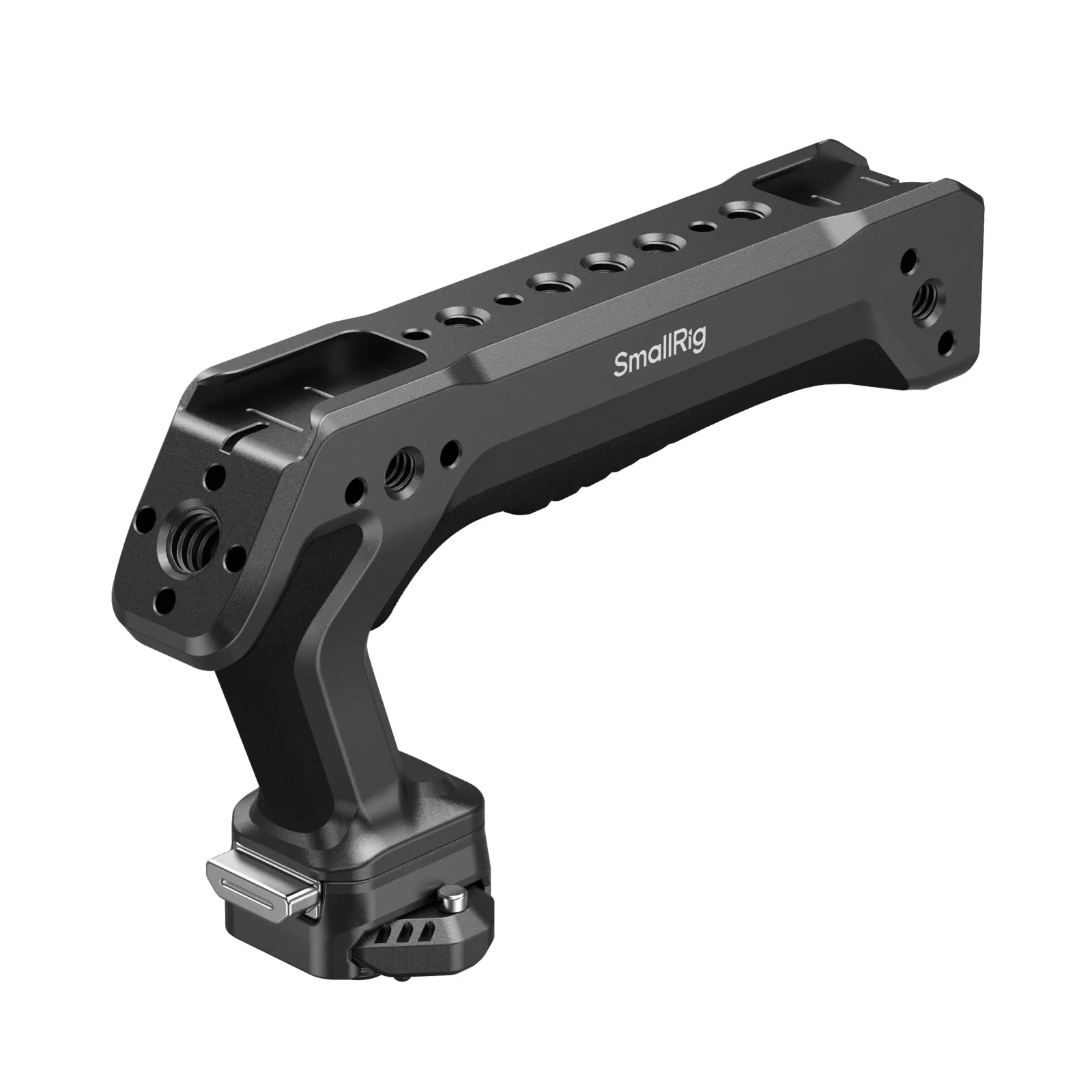
Side Camera Handle
Side grips are great when you’re off-gimbal and want steadier handheld shots without adding a full shoulder setup. A lighter side camera handle also lets you shift your grip point closer to the rig’s center of mass, so it feels lighter even if the scale number barely changes.
Single And Dual Handle Layout
Dual grips look “pro,” but they’re not always smart for gimbal life. If you’re mostly using a gimbal or a top handle, start with one handle, then add the second only if you can name the exact shot type it improves.
Wrap this tip by checking clearance: your handle should not force the monitor higher than needed or push accessories farther from the center.
Tip 4: What Can You Remove From A DSLR Rig Without Regretting It?
Most rigs carry parts “just in case.” On a gimbal, that habit turns into dead weight fast.
Unused Mounting Points
Extra cold shoes, extra clamp blocks, and extra plates add up. If a mount hasn’t been used in your last three shoots, pull it off and keep it in your kit bag instead of on the camera.
Overbuilt Rod Layout
Shorter rods often solve more than they break. Cut the rod length down to the minimum that still clears your lens and allows your one must-have accessory. Less rod length also reduces flex and bounce.
Extra Support Accessories
Lens supports, backup battery trays, and secondary brackets belong on heavier cinema builds, not on a lean DSLR rig. Put them on only when the lens truly demands it.
End this step with a “clean build photo.” If you can’t explain what a part does from the photo, it’s a removal candidate.
Tip 5: Is A Carbon Fiber Cage Worth It For A DSLR Rig?
Cages are useful, but full cages can be more than a gimbal needs. The fastest weight win is often choosing the right coverage.
Half Cage Versus Full Cage
Real product listings show full cages around ~188g and half cages around ~115g for similar camera families. That difference looks small, yet it matters because cage weight sits at the core of your build and often forces extra brackets.
Carbon Fiber Cage Benefits
A carbon fiber cage can cut weight, but cage design matters more than material alone. Look for fewer protrusions, fewer “always-on” rails, and clean access to battery doors and ports.
Matching Carbon Fiber Rod Parts
When rods, handle, and cage all match a lighter philosophy, your build stops growing “accessory arms.” Keep it consistent: if you choose minimal, stay minimal.
Close this tip by checking your actual needs: protection and mounting points are useful, but extra mounting points you never use are still a weight.
Tip 6: How Can You Power A DSLR Rig With Less Battery Weight?
Power choices can be the single biggest swing outside the camera and lens. The trick is not “smallest battery,” but “right battery for the day.”
Compact High-Capacity Batteries
If your camera and monitor can run on NP-F style batteries, you may get good runtime with less mass. Sony lists the NP-F970 at about ~300g. A ~98Wh V-mount class battery can be around ~590g and sometimes heavier depending on the model and casing.
Split Battery Placement
Two smaller batteries placed closer to the rig’s center often feel better than one heavier brick placed far from the center. If you must use a larger battery, mount it as close to the camera body as your balance allows, not at the far end of rods.
Finish by testing the “worst case” day: cold weather, long takes, brighter monitor. Build for that day, then strip back for everything else.
Tip 7: How Do You Reduce DSLR Rig Weight By Reworking Accessory Layout?
Even when the scale barely changes, smarter placement can make the rig feel lighter and smoother on a gimbal.
Lightweight Monitor Arms
Long metal arms act like a lever. Shorten the arm, lower the monitor, and keep it close to the centerline. A smaller monitor or a lighter mount often beats chasing a “stronger” arm.
Wireless Focus Setups
If you’re not pulling focus with a manual rod-based unit, don’t keep the rod, gear, and bracket installed. A compact wireless unit can replace multiple pieces, especially on a gimbal where cables and hard links fight movement.
Accessory Placement
Use the camera handle as a mounting point when possible, so accessories move closer to the core. Keep the left-right balance clean first, then fine-tune front-back.
Close this tip by doing a slow pan test. If the rig “lags” or “swings,” weight is probably sitting too far out.
Tip 8: Can Quick-Release Modules Keep A DSLR Rig Light On A Gimbal?
Quick release isn’t only about speed. It’s a weight strategy: build only what you need for the shot, then drop the rest.
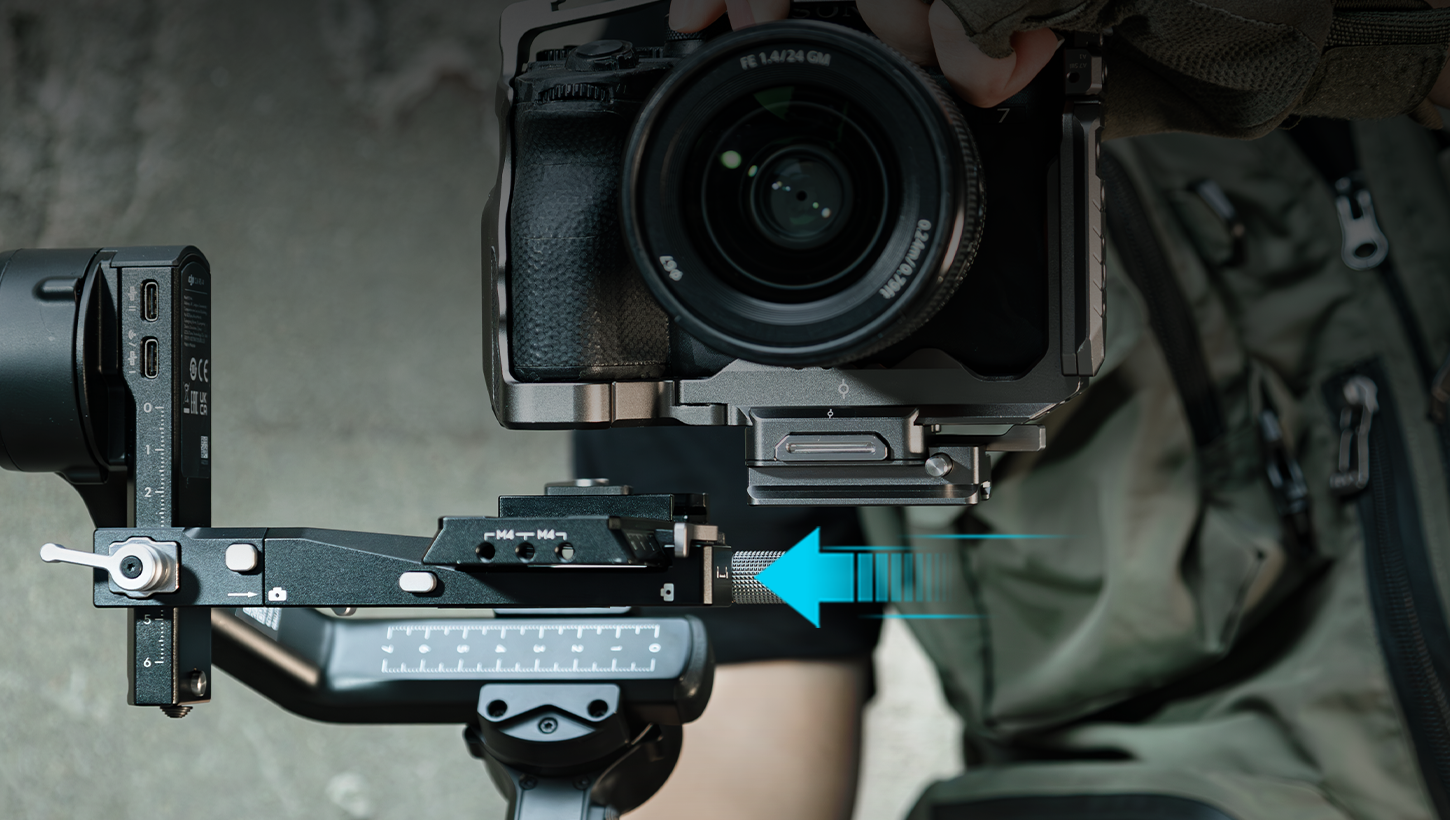
Carbon Fiber Rod Quick Release Approach
Instead of leaving rods on all day, use a setup where rods attach only when you need front accessories. When the rods come off, the rig becomes smaller, lighter, and easier to balance.
Modular DSLR Rig Build
Make two configs: a “gimbal core” and a “fully dressed” setup. The gimbal core should hold only the camera, the needed power, and one monitoring solution. Everything else belongs in modules.
Camera Handle Quick Release
A quick-release camera handle helps you jump from gimbal to handheld without stacking extra plates. Keep the handle module self-contained so you don’t need extra clamps to use it.
End with a rule that keeps your rig from creeping back up: if a module isn’t used today, it stays off.
Frequently Asked Questions
Q1. How Do I Keep Carbon Fiber Rods Looking Good After Lots Of Clamp Use?
Carbon fiber rods tend to show clamp marks more easily than anodized metal, mostly because the finish highlights scuffs. Use clean clamps, wipe dust off before tightening, and avoid sliding clamps under full tension. If a clamp has sharp edges or burrs, replace it—those chew up carbon fiber fast. For transport, keep rods in a simple sleeve so other metal parts don’t grind against them. Cosmetic marks usually don’t affect function, but deep gouges are a sign your clamp pressure is too high, or your clamp fit is poor.
Q2. What’s A Simple Way To Pack A DSLR Rig For Travel Without Rebuilding Everything?
Build around two “locked” modules: (1) camera + cage/half cage + quick release plate, and (2) your power solution (battery plate or NP-F plate) with the shortest cables already attached. Remove rods, handle extensions, and monitor arms as separate modules and label them in a pouch. Take one photo of each finished setup on your phone. When you land, you rebuild from photos, not memory. That method cuts mistakes, saves time, and keeps you from overbuilding because every extra part has to earn its spot in the bag.
Q3. Can I Overtighten A Clamp On A Hollow Carbon Fiber Rod And Damage It?
Yes. Hollow carbon fiber rod designs can handle real loads, but point pressure from an overtightened clamp can crush or crack a tube, especially if the clamp contact area is small. Use clamps with wide, smooth contact surfaces and tighten only until slippage stops—then stop. If a rod keeps slipping, fix the cause (wrong clamp size, dirty surfaces, uneven clamp faces) instead of adding force. A good habit is to mark clamp positions lightly and recheck after a few minutes of movement, since vibration can reveal weak fits.
Start Cutting DSLR Rig Weight Today
Pick the easiest win first: swap metal rods for a carbon fiber rod setup, then simplify your camera handle and battery choices. Re-weigh after each change so you know what paid off. Keep your “gimbal core” build lean, and treat everything else as add-on modules. Your arms will last longer, your balance time drops, and you’ll move faster on real shoots.
If you want to keep this “light but still expandable” approach consistent, build your core modules from one ecosystem—SmallRig’s carbon fiber rods, lightweight top handles, cage kits, and quick-release modules are easy to mix-and-match as your shooting days change.
Keep Reading
 CPL vs ND Filter: What's the Difference and When to Use Each
 SmallRig S70 Wireless Mic Review: Best Budget Option?
 How to Take Photos and Vlogs Alone in Public Without Feeling Awkward
Related Products from SmallRig