
Search smallrig.com...


The Ultimate Guide to Using the RF 10C Portable Focusable LED Video Light
SmallRig Support Team 2025-09-09 00:31:52
Step 1: Quick Start
Locate the "Multi-Function Knob" on the light body—simply rotate it half a turn to power on❗️
Locate the "Multi-Function Knob" on the light body—simply rotate it half a turn to power on❗️
Step 2: Master Color Modes & Brightness Adjustments
▫️ Color Switching Tips
Click the multi-function knob to cycle through four classic tones:
Sunset Orange → Blue → Warm White → Red
Each color adds unique emotion to your shots—use orange for golden hour portraits 🔥, blue for tech-themed product photos 💻, and red for festive holiday scenes 🎄!
▫️ Brightness Control
-
Rotate clockwise = gradually increase brightness ☀️
-
Rotate counterclockwise = smoothly decrease brightness ☁️
-
⚠️ Heads-up: The light will flicker slightly when reaching min/max brightness limits as a reminder
Step 3: Precise Beam Angle Control
This is one of the lamp’s standout features! Use the unique "zoom adjustment mechanism" to switch between spotlight and floodlight:
-
Pull the lamp head forward = narrow beam (spotlight mode) 💥
-
Push the lamp head backward = wider coverage (floodlight mode) 🍃
Common Mistakes to Avoid
✘ Don’t long-press the knob to power on—just rotate it halfway!
✘ Don’t ignore the flicker warning at brightness limits—it helps prevent exposure errors
✘ Don’t stick to one zoom setting—adjust based on shooting distance for optimal results
✘ Don’t long-press the knob to power on—just rotate it halfway!
✘ Don’t ignore the flicker warning at brightness limits—it helps prevent exposure errors
✘ Don’t stick to one zoom setting—adjust based on shooting distance for optimal results
Once you’ve mastered these basics, you’ll see how easy it is to create professional-level lighting magic! Bring the RF 10C on your next shoot and experiment with different color combos and lighting effects!
Keep Reading
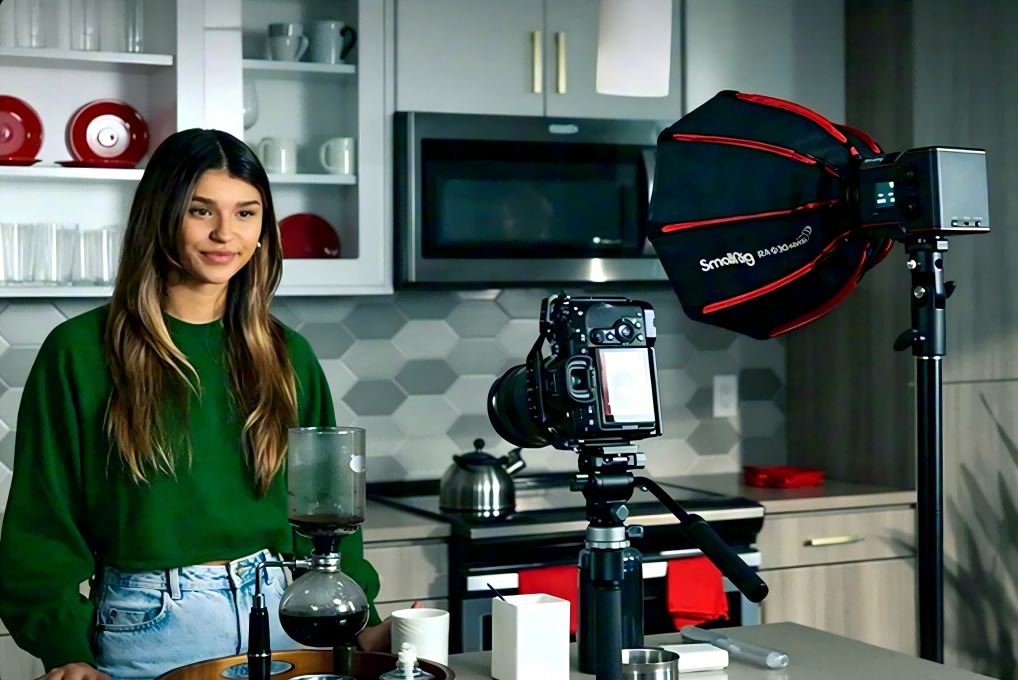 Best Portable Lighting Setup for Solo Content Creators
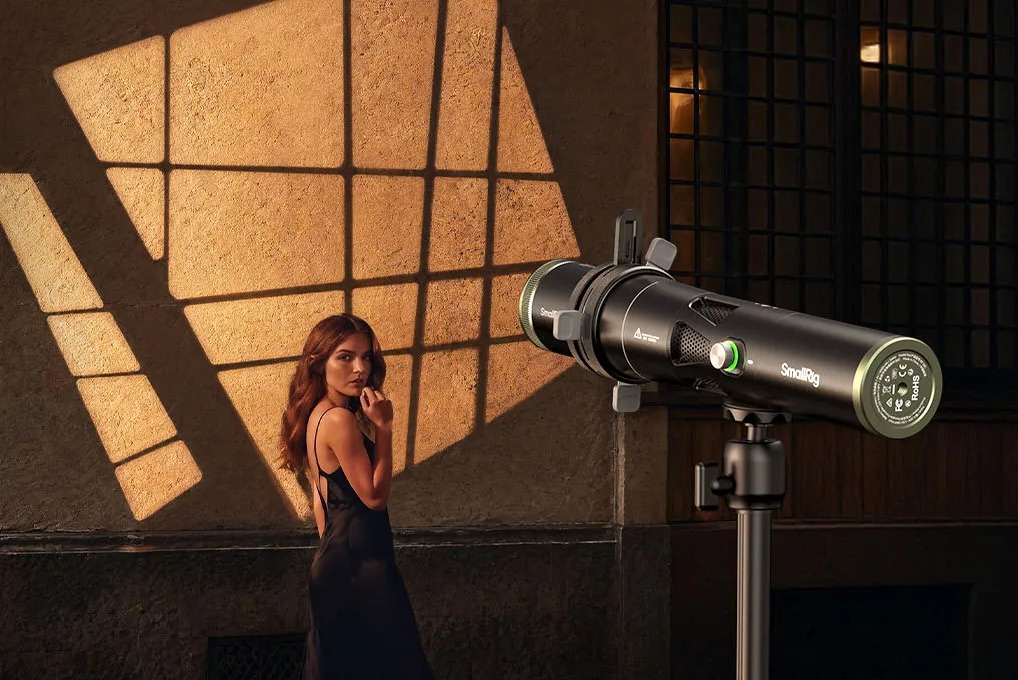 Review: SmallRig RF 20C Portable Zoom Light
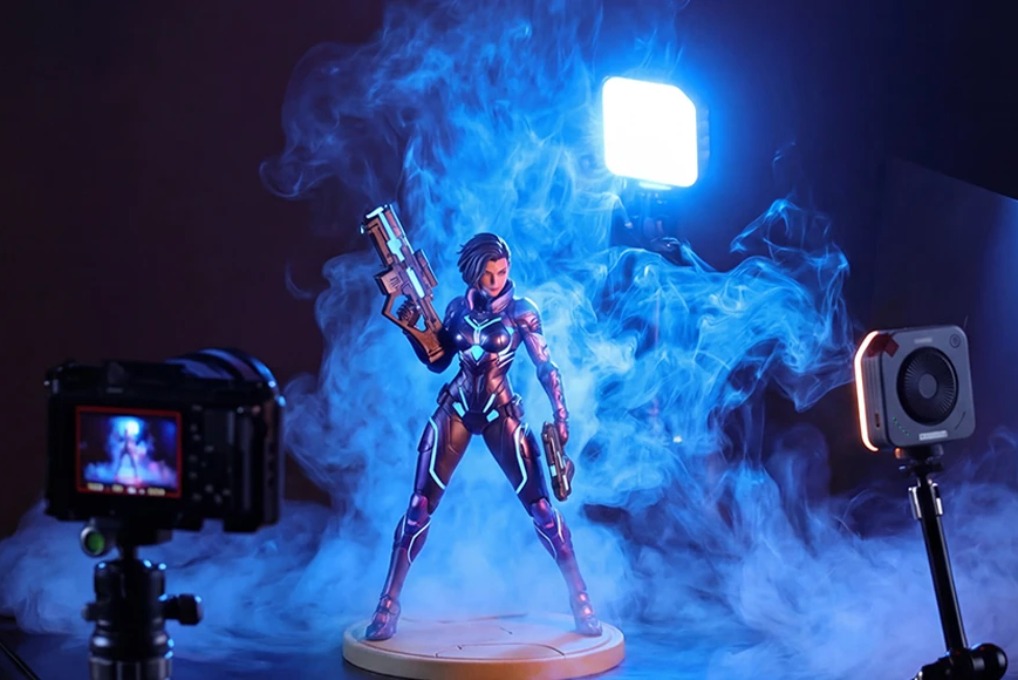 Why You Need a Video Light: A Complete Guide for Content Creators
Related Products from SmallRig