
Search smallrig.com...


Types of Microphones 2026: Complete Guide to Choosing the Best Mic
SmallRig 2026-03-26 02:29:46
Contents
Picking the right microphone can make or break your audio quality. Whether you're filming videos, streaming live, or recording podcasts, understanding the main microphone types helps you get professional sound without wasting money on gear you don't need.
What Are the Main Types of Microphones in 2026?
Different microphones work better for different jobs. Here's what you need to know about each type.
Dynamic Microphone Characteristics
Dynamic mics are tough and handle loud sounds without distortion. They work great on stage because they tend to reject background noise and focus on what's right in front of them. You don't need extra power boxes or batteries, just plug them in and go.
Condenser Microphone Features
Condenser mics capture more detail than dynamic mics, making them popular in studios. They often require external power from an audio interface or mixer (commonly called phantom power). These mics pick up more room sound, so you'll want a quiet space when using them.
Ribbon Microphone Applications
Ribbon mics give you a warm, natural sound that works beautifully on vocals and instruments. They're often fragile and typically more expensive, so many people use them in controlled studio settings. Handle them carefully because strong blasts of air, extreme volume, or physical impact can damage some ribbon designs.
USB Microphone Overview
USB microphones plug straight into your computer without needing an audio interface. They're perfect for people just starting out or anyone who wants a simple setup. The built-in converter handles everything, though you can't upgrade parts of your setup as easily later.
Wireless Microphone Categories
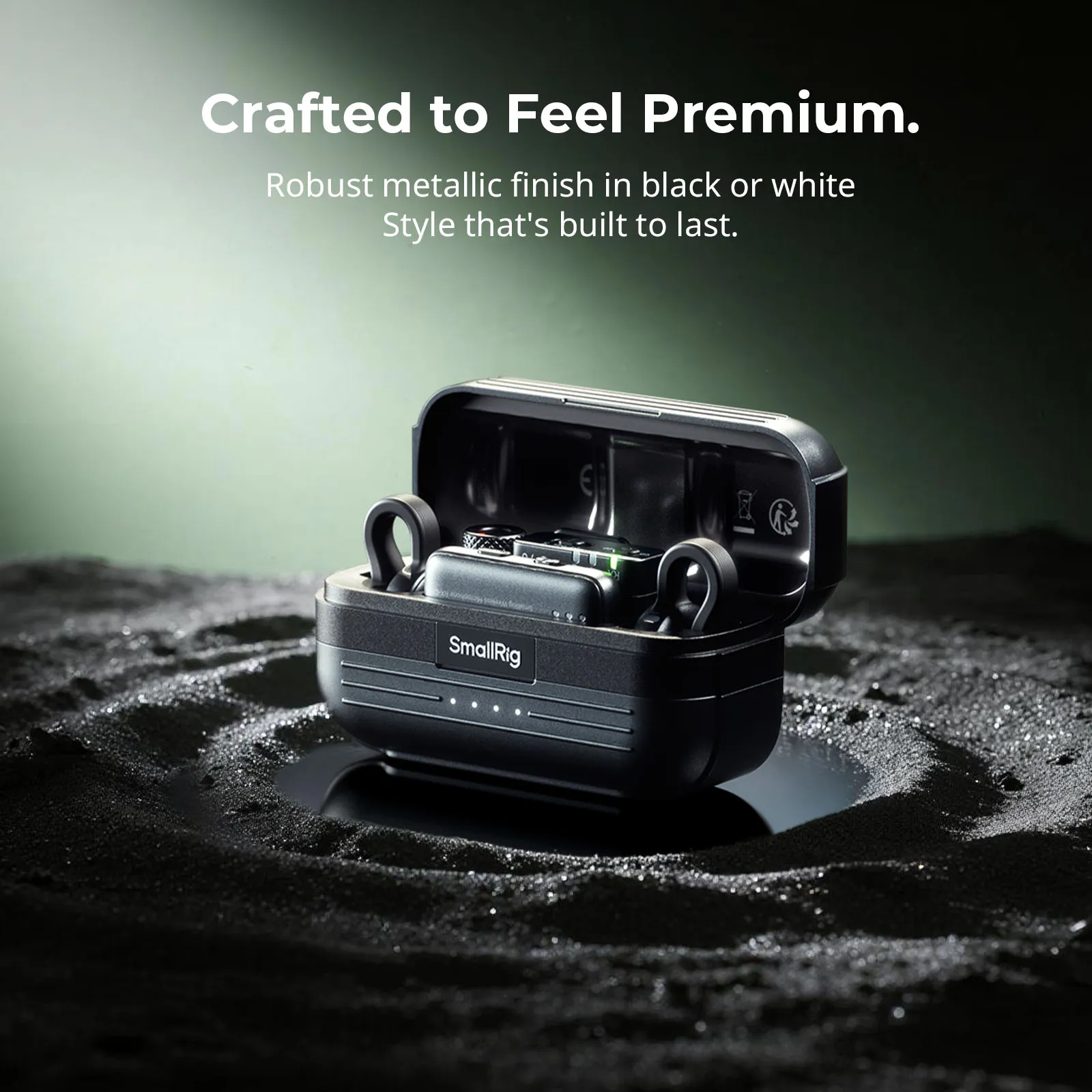
Wireless systems free you from cables, which matters for presentations, interviews, and moving around while filming. They come as handheld mics, clip-on lavs, or headset styles. Signal strength and battery life can vary significantly between budget and professional models.
How to Choose the Best USB Microphone?
USB microphones have gotten really good lately, but you still need to pick the right one for your setup. Understanding what separates a great USB mic from an average one helps you avoid buyer's remorse.
USB Microphone Technology Explained
USB mics combine the microphone capsule, preamp, and analog-to-digital converter in one unit. When you plug them into your computer's USB port, your system recognizes them as an audio input device. Many modern USB mics are plug-and-play, though compatibility can vary by model and operating system. This all-in-one design eliminates the need for external audio interfaces, making setup incredibly simple for beginners.
Best USB Microphone Essential Features
Look for mics that support common recording standards suitable for streaming, calls, and content creation. A headphone jack on the mic lets you monitor your audio without delay. Pattern switches help when you're recording solo versus interviewing someone. A mute button saves you from awkward moments during calls. Premium models often include gain control knobs that let you adjust input sensitivity on the fly without diving into software settings.
Sample Rate and Bit Depth Considerations
Higher recording settings may preserve more detail for post-production, but standard settings are often sufficient for everyday content. The extra headroom mainly matters if you're doing heavy post-production work or recording music. Consider your actual needs before paying extra for specs you won't use.
USB Microphone Ideal Use Scenarios
USB mics work best when you're recording at a desk. They're ideal for podcasting, gaming streams, video calls, and voiceovers. If you need to record multiple people or instruments at once, you'll run into limitations since most USB mics only have one input.
What Makes the Best Wireless Microphone Stand Out?
Wireless freedom costs more, but the right system pays off when cables get in your way.
Wireless Microphone Technology Overview
Wireless mics use radio frequencies to send audio from the transmitter (on the mic) to the receiver (connected to your camera or recorder). Digital systems often sound clean and can handle interference more reliably than older analog systems, though performance depends on the environment and system design. Battery life matters because runtime varies widely by model, and higher-end systems often provide more predictable performance.
Consumer Wireless Microphone vs Professional Wireless Microphone
Consumer wireless mics may work well in homes and small rooms, but can struggle in crowded areas with lots of wireless traffic. Professional wireless microphones often offer better frequency coordination options and more stable performance in busy RF environments, but dropouts can still happen depending on local interference and setup. They also let you run multiple mics at once with more flexible coordination options.
Best Wireless Microphone Selection Standards
Check the operating range because your ideal distance depends on your filming setup and obstacles in the space. Look at how many channels you can run simultaneously if you ever need multiple mics. Metal construction lasts longer than plastic. Rechargeable batteries save money over time compared to disposable ones.
Frequency Ranges and Anti-Interference Technology
The 2.4GHz band is widely used in many regions without individual licensing, but it can get crowded. UHF systems can be more reliable in some use cases, but legal operating ranges and availability vary by country and region. Newer systems scan for interference and switch channels automatically, which helps a lot in busy environments like conferences or city centers.
Professional Wireless Microphone System Requirements
Professional setups often use diversity receivers (two antennas instead of one) to reduce dropouts when you move around. Frequency coordination software helps when running several wireless mics in the same space. Pricing varies widely by brand, region, and feature set, so it helps to compare systems based on your recording environment and reliability needs.
Which Camera Microphone Works Best for Video Production?
Getting good audio straight into your camera saves time in editing and often sounds better than fixing it later.
Camera Microphone Type Categories
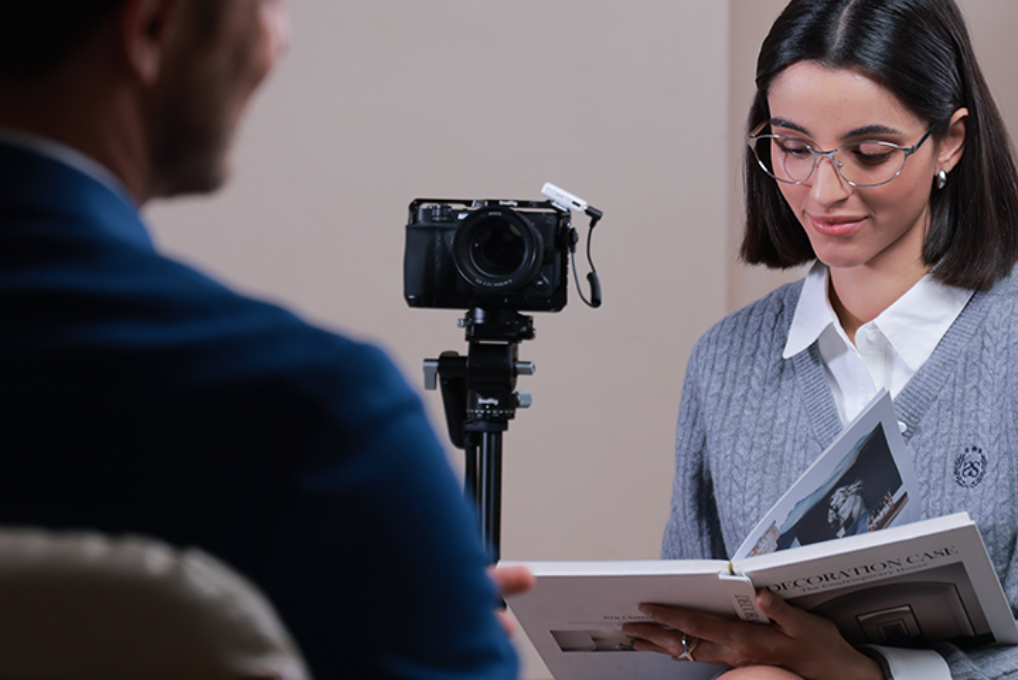
Shotgun mics mount on top and focus on what's in front of the camera. Wireless camera microphone systems clip onto people and send audio back to your camera. Stereo mics capture ambient sound for vlog-style content. Each type solves different problems.
Shotgun Camera Microphone Features
Quality camera-mounted shotgun mics are designed to reject off-axis noise while picking up your subject clearly. Look for shock mounts that isolate the mic from camera handling noise. Coiled cables give you flexibility without tangling. Battery-free designs (powered by your camera's mic input) mean one less thing to charge. Some professional-grade camera microphones also feature low-cut filters and gain adjustment functions, letting you optimize audio settings right on location.
For example, a dedicated shock mount (such as SmallRig’s camera shoe shock-mount style accessories) can help reduce vibrations from handling and movement when filming handheld.
Wireless Camera Microphone Systems
Professional camera wireless solutions typically include both transmitter and receiver units. The transmitter clips to your subject while the receiver mounts on your camera's hot shoe. This setup works great for interviews, presentations, and any situation where your subject moves around. Real-world range depends on obstacles, frequency band, and local interference, so performance can vary by location. High-quality systems provide real-time audio monitoring and battery level displays, helping reduce unexpected issues during recording.
Camera Microphone Mounting Solutions
Hot shoe mounts work on most cameras and keep the mic stable. Some setups use cold shoe adapters for cameras without standard hot shoes. Professional cage systems add multiple mounting points, letting you attach both a mic and a light to smaller cameras. This modular design is especially suitable for video creators who need to carry various accessories, making equipment assembly more flexible and efficient.
In practice, creators often build this kind of modular setup using camera cages and mounting attachments from SmallRig, which can make it easier to place microphones, lights, and receivers without clutter.
Video Audio Quality Optimization Tips
Position shotgun mics as close to the sound source as practical while staying out of frame. Use windscreens outdoors because even light breezes cause rumbling without them. Monitor audio with headphones while recording to catch problems immediately. Set recording levels to avoid clipping and leave enough headroom for loud moments. If environmental noise is too high, consider using lavalier wireless microphones closer to the sound source, which can significantly improve voice clarity.
When Do You Need a Microphone Boom Arm?
A microphone boom arm positions your mic perfectly without cluttering your desk or appearing in frame. Boom arms swing into position during recording and out of the way when finished, ideal for streamers and podcasters who need consistent placement without blocking monitors. They also reduce vibrations from typing or desk bumps compared to desktop stands. Most boom arms support common podcast and streaming microphones, though weight limits vary by model. USB microphones mount like regular mics, while wireless receivers typically stay near your computer. Desk-mounted arms clamp to table edges and work great with sturdy desks. Floor stands suit standing desks or wobbly furniture, cost more, and occupy floor space, but handle heavier mics with greater positioning range.
FAQ
Q1. Does a More Expensive Microphone Always Sound Better?
Not necessarily. A budget mic in a treated room can sound better than a premium mic in a highly reflective space. Room acoustics matter more than most people realize. Expensive mics do give you more features, better build quality, and lower self-noise, but they won't fix bad recording environments. Focus on controlling room reflections with blankets or acoustic panels before upgrading your mic. For many content creators, mid-range microphones can offer strong performance without unnecessary features, depending on the recording environment and workflow.
Q2. Can I Use Multiple Wireless Microphones at the Same Time?
Yes, but it takes planning. How many wireless mics you can run at once depends on the system design, local RF conditions, and frequency coordination. Each wireless mic needs its own frequency channel, like different radio stations. When shopping, check how many channels the manufacturer says you can run together. In practice, leaving extra spacing between channels and avoiding crowded bands can improve stability. Avoid mixing different brands in the same space since they might not coordinate well together.
Q3. How Do I Reduce Background Noise in My Recordings?
Moving the microphone closer to the sound source usually improves clarity more than most processing tools. Use cardioid or supercardioid pickup patterns that reject sound from the sides and back. Close windows, turn off fans and AC while recording, and put your computer as far away as practical since it makes noise. Acoustic treatment, like heavy curtains or foam panels, stops sound from bouncing around. If you're stuck with background noise, noise gates and noise reduction plugins can help during editing, but they work better when you've already minimized the noise at the source.
Conclusion
The right microphone depends on what you're actually doing with it. USB microphones make sense for solo desk work, wireless setups give you freedom to move, and camera microphones solve on-location audio. Don't overthink it because you should start with something that fits your budget and upgrade when you know what's missing.
If you’re also building a more stable recording setup—especially for video—SmallRig is a common choice for creators who want practical rigging accessories like cages, cold shoe mounts, and boom arms to keep microphones and other gear mounted cleanly and securely.
Keep Reading
 CPL vs ND Filter: What's the Difference and When to Use Each
 SmallRig S70 Wireless Mic Review: Best Budget Option?
 How to Take Photos and Vlogs Alone in Public Without Feeling Awkward
Related Products from SmallRig