
Search smallrig.com...


 Write
Write[Jewelry Livestream Lighting] Flat Gems and Gray Skin? A Seated Setup That Lights Product and Host Separately

This tutorial shows you how to light a seated jewelry livestream studio. Copy the layout and you'll get gems that sparkle and a host with clean skin tone.
Jewelry is a reflective material — with the wrong lighting, you lose on both ends: gems look dull and muddy, or glare gets harsh and the host's face turns gray. Many streamers rely on one light, mixing the product light and the key light together, so neither looks good.
The key is to separate the product light from the key light. For the key light, use an rectangular softbox placed in front of the host, about 1.2m away, at 40% brightness and 6000K — the host's skin looks clean and natural. For the product light, use an variable-color-temperature panel light to light the jewelry area on its own, letting the bracelets and beads show their gloss and depth. Then add a variable-color-temperature cinema light at 3300K warm as ambient, so the sideboard and background brighten up and the frame gains depth.
Copy these settings directly: key light at 40% brightness and 6000K, positioned 1.2m from the host; ambient light at 3300K warm. Remember one rule — cool and clean for the host, bright and clear for the product, warm for the background.
This seated setup works beyond jewelry: beauty livestreams and watch/digital-product streams all benefit, as long as the product is a reflective material.
Published on 10-29
2
0
0
0




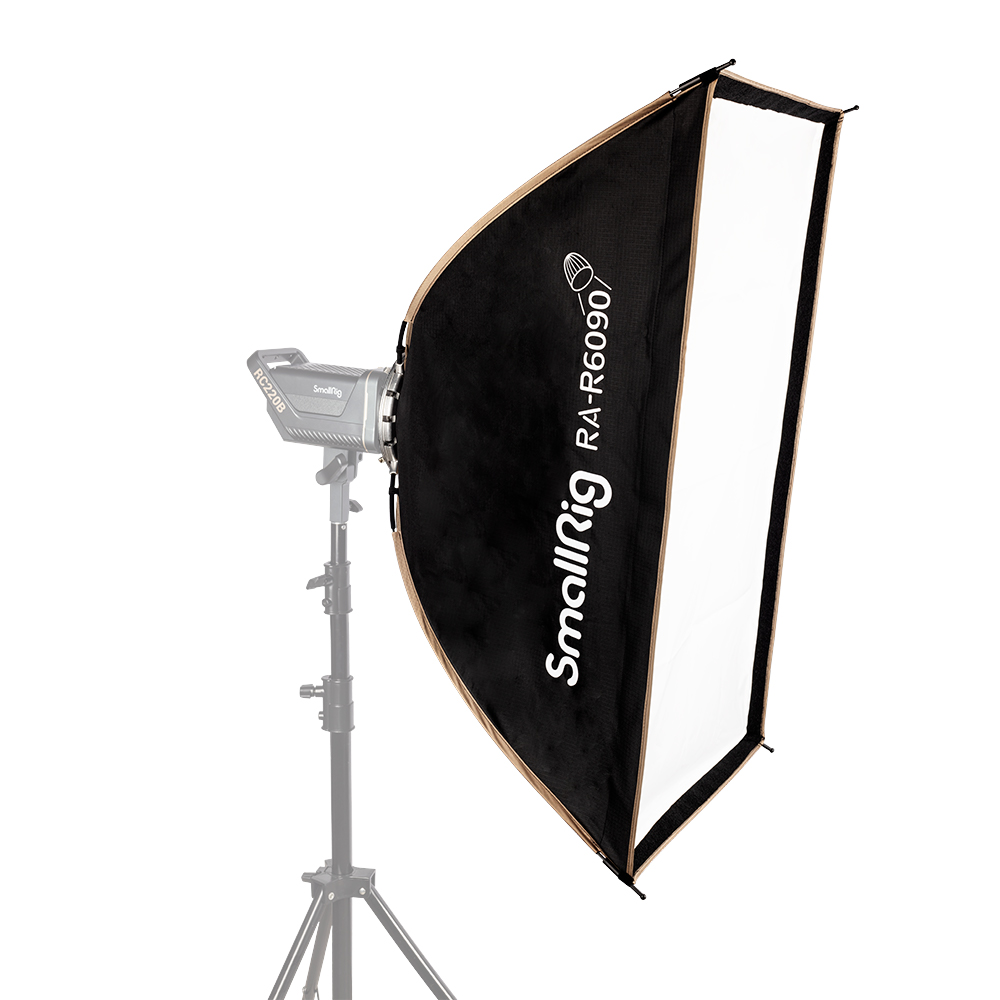
RA-R6090 Rectangular Softbox
Lighting System
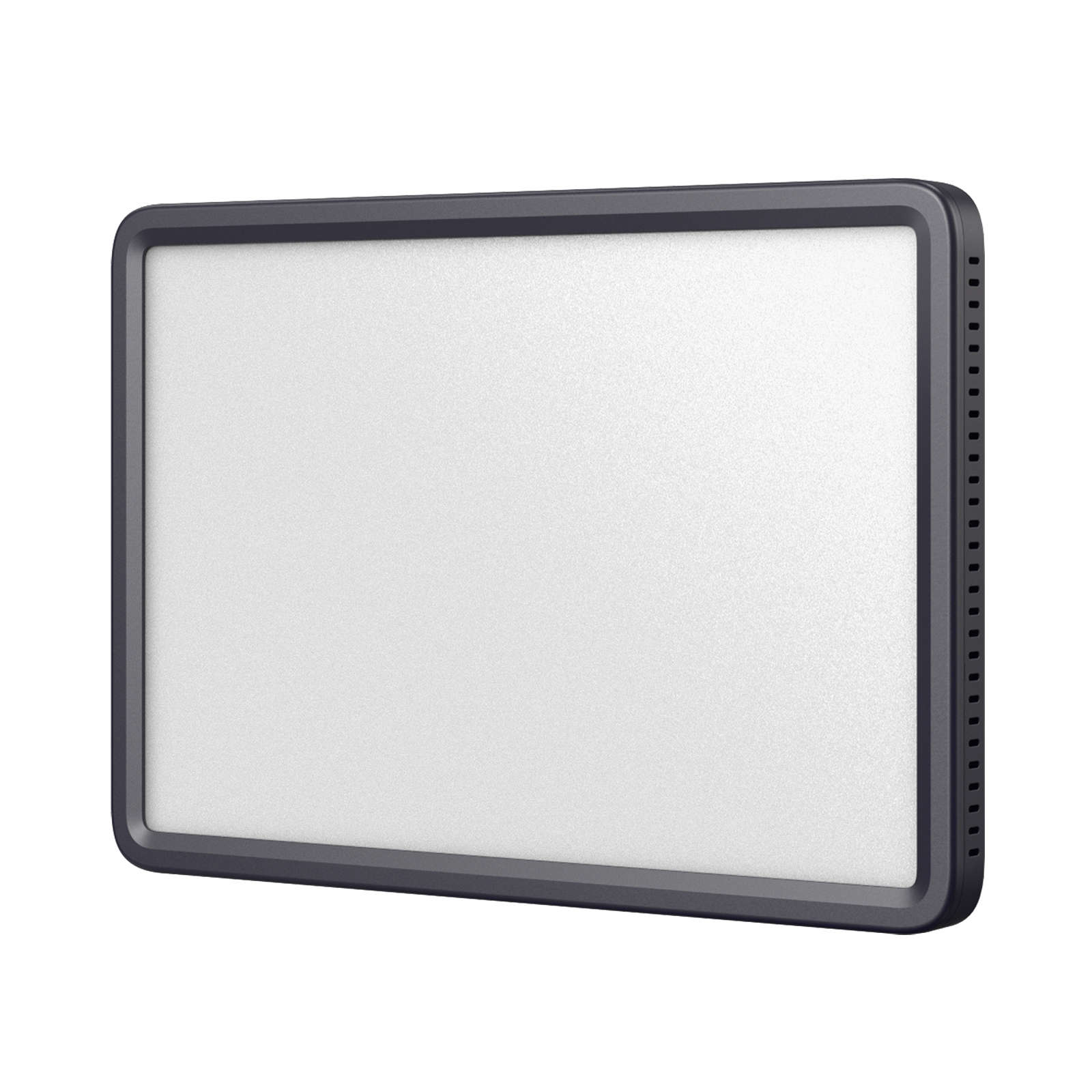
P200 Beauty Panel Video Light (Universal)
Lighting System