
Search smallrig.com...


V Mount Battery Guide 2026: Everything You Need to Know
SmallRig 2026-02-06 01:50:01
Contents
If you're shooting video professionally, you've probably dealt with dead camera batteries at the worst possible moment. V-mount batteries solve that problem—they're the workhorses that keep cameras, lights, and monitors running all day. This guide breaks down voltage options, capacity choices, charger selection, and how to actually use these batteries with your camera setup.
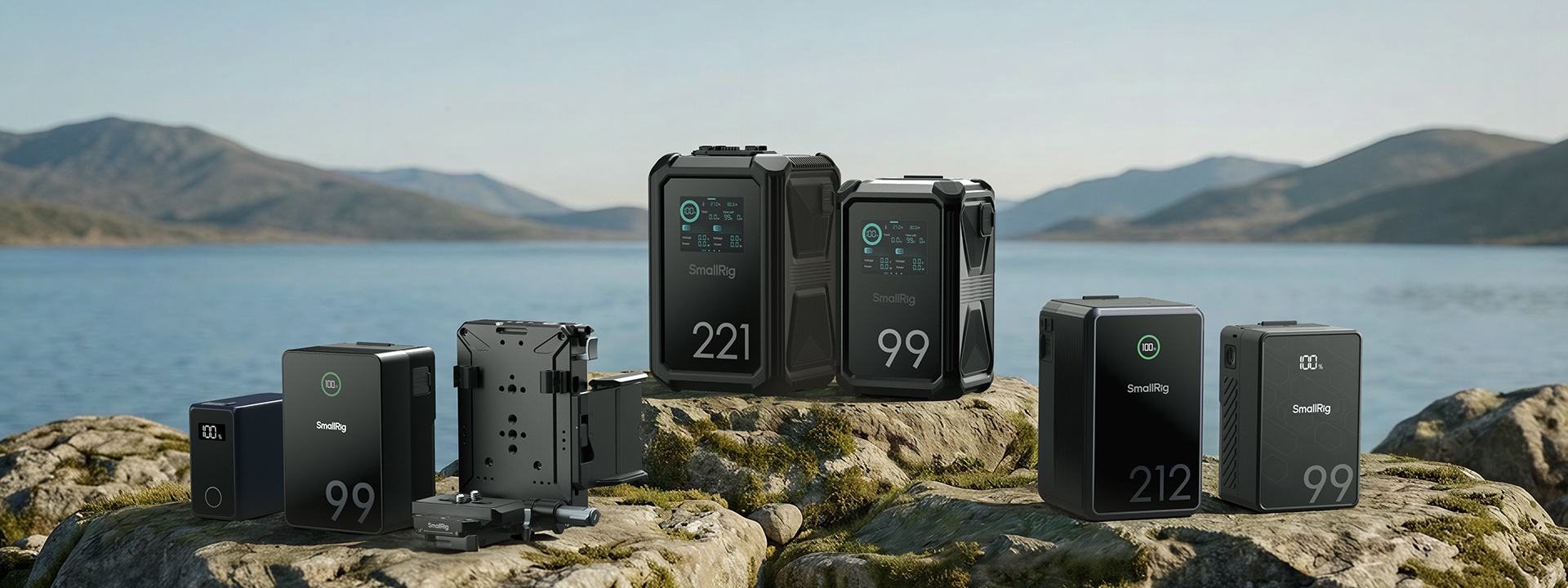
What Voltage Options Exist for V-Mount Batteries?
Not all v-mount batteries output the same voltage, and picking the wrong one can leave your gear either underpowered or incompatible.
Standard 14.4V Battery Overview
Most v-mount batteries run at 14.4V nominal (about 12.0V when empty and 16.8V when fully charged). This voltage works with the majority of professional cameras, monitors, and lighting gear. If you're powering a cinema camera like a RED, ARRI, or Sony Venice, 14.4V is your default choice. These batteries typically range from 95Wh to 290Wh capacity.
27-Volt V Mount Battery: When and Why
A 27-volt v mount battery is typically an 8-cell pack around 28.8V nominal (33.6V when fully charged). High-end cinema cameras with built-in 24V power systems—like certain ARRI ALEXA configurations—benefit from this higher voltage because it reduces current draw and heat generation during long takes.
You'll pay more for a 27-Volt v mount battery, and they're heavier. Only use them if your camera explicitly supports 28V input. Plugging a 27-Volt v mount battery into a 14V-only gear can fry circuits instantly.
Matching Voltage to Equipment Needs
Check your camera's specs before buying. Most manufacturers list acceptable input voltage ranges—often roughly 10.5V to 34V DC on cinema cameras, while some accessories are limited to narrower 12V-only ranges. When in doubt, stick with 14.4V v-mount batteries. They're the most widely compatible, cheaper, and work with most professional camera battery applications.
How Do You Choose the Right V Mount Battery Capacity?
Capacity determines runtime, but bigger isn't always better when you're hauling gear up a mountain or through an airport.
Understanding Watt-Hours and Amp-Hours
Watt-hours (Wh) measure total energy storage. Amp-hours (Ah) measure current capacity. The relationship: Wh = Ah × Voltage. A 95Wh battery at 14.4V delivers about 6.6Ah. A 290Wh battery gives you roughly 20Ah at the same voltage.
For camera work, focus on watt-hours—it's the universal measurement that airlines and rental houses use.
Matching Capacity to Camera and Accessories
A basic mirrorless camera might pull 10-15W. Add a monitor (8W), wireless video (12W), and follow focus (5W), and you're drawing 35-40W total. A 95Wh battery runs that setup for about 2-2.5 hours. A 150Wh battery stretches it to 3.5-4 hours.
Cinema cameras are power-hungry. An ARRI ALEXA Mini (with MVF-1) is rated at about 43–84W. At that draw, a 150Wh battery is roughly 1.5–2 hours of theoretical runtime, and a 290Wh battery can push around 3–3.5 hours before you account for accessories and real-world overhead.
Essential Features in Modern V-Mount Batteries
Look for these in any v mount battery you buy:
-
D-Tap outputs: Power accessories directly from the battery(if you need more ports off one battery, a SmallRig V-mount adapter plate can add extra DC and USB outputs)
-
USB ports: Charge phones or power small devices(some compact SmallRig VB-series V-mount batteries add USB-C PD alongside USB-A)
-
LCD display: Shows remaining percentage and voltage
-
Battery management system (BMS): Prevents overcharge, overdischarge, and short circuits
Balancing Weight and Power Requirements
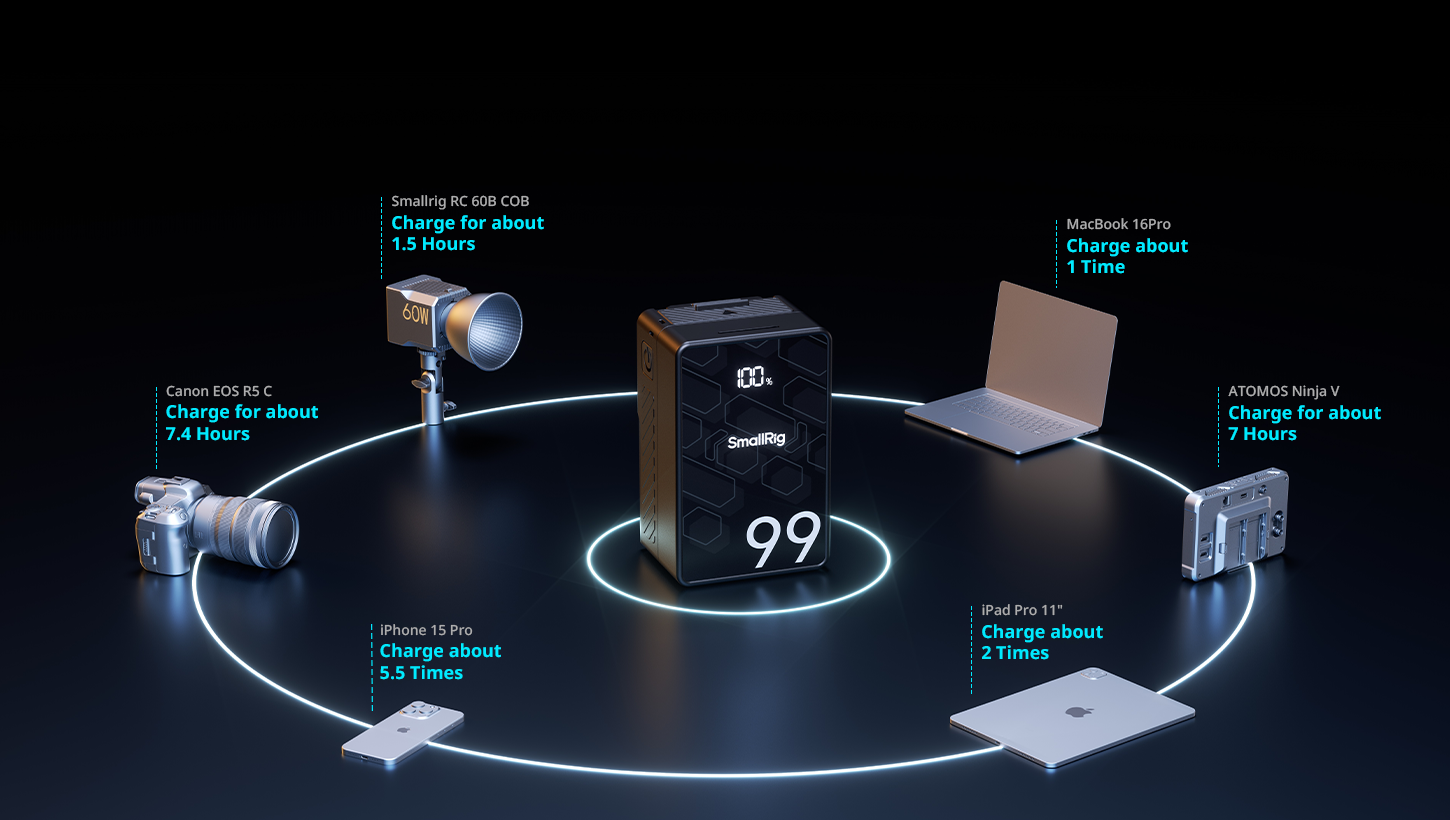
A 95Wh battery weighs about 1.3 lbs. A 290Wh battery hits about 3.3 lbs. If you're running handheld or gimbal work, every ounce matters. For tripod-based shoots, go bigger for fewer battery swaps. Many shooters carry a mix: one or two 290Wh bricks for the main rig, plus lighter 95Wh units for monitors and wireless systems.
The sweet spot for most productions: 150Wh batteries. They balance runtime and weight without killing your shoulder.
How Should You Select a V Mount Battery Charger?
A good charger extends battery life and keeps your workflow moving. A bad one creates bottlenecks and can damage expensive cells.
Single-Bay vs. Multi-Bay Charger Comparison
Single-bay chargers cost anywhere from budget to mid-range pricing and charge one battery at a time. They're fine for solo shooters with two or three batteries total. Multi-bay chargers often run a few hundred dollars and handle 2-4 batteries simultaneously—essential if you're running multiple cameras or shooting all day without downtime.
Dual-bay chargers hit the sweet spot for most users: affordable, fast enough, and compact for travel.
Fast Charging vs. Standard Charging Speed
Standard chargers often fill a 150Wh v mount battery in around 3–5 hours. Higher-output chargers can cut that to roughly 2–3 hours (sometimes less).
Faster charging generates more heat, which can reduce long-term battery health if you fast-charge constantly.
Use fast charging when you need batteries NOW. Use standard charging overnight to maximize cycle life.
Charger and Battery Compatibility
Stick with the same brand for chargers and batteries when possible, or verify compatibility before buying. Some third-party chargers work fine but don't support advanced battery management features.
How Do You Power Camera Systems with V-Mount Batteries?
DSLR and Mirrorless Camera Battery Solutions
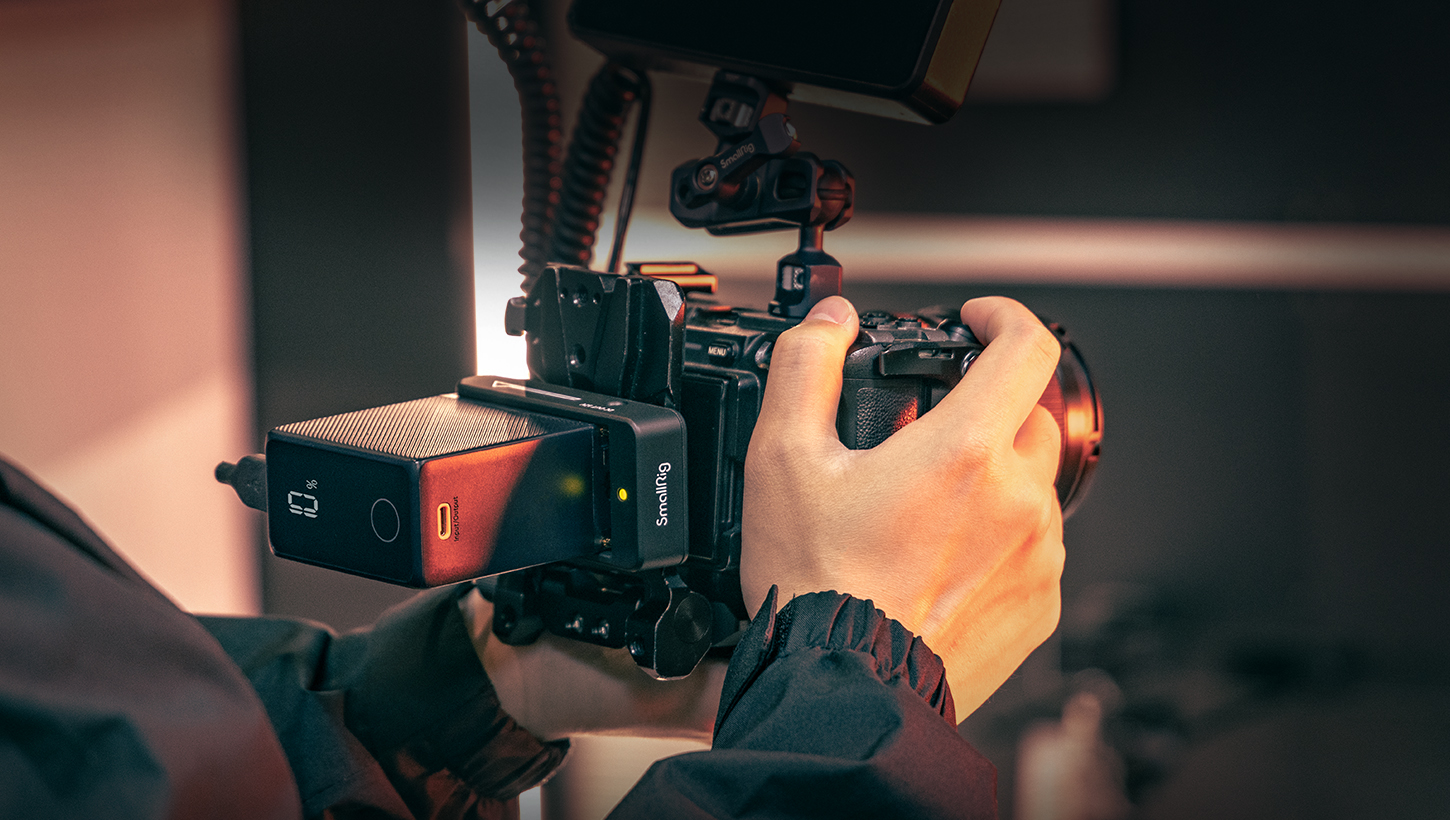
DSLRs and mirrorless cameras use small internal batteries that die quickly during video shoots. Dummy battery adapters solve this: they replace the camera's internal battery and connect to a v mount battery via cable. You get several hours of continuous power instead of well under two hours.
Popular dummy battery options exist for Sony NP-FZ100, Canon LP-E6, and Panasonic DMW-BLF19 systems. Mount the v mount battery on a camera cage or shoulder rig, run the dummy battery cable, and shoot all day.
Cinema Camera Direct V-Mount Integration
Professional cinema cameras: RED, ARRI, Sony VENICE, Canon C500, have built-in v-mount plates. Slide the battery onto the back plate, twist the locking mechanism, and you're powered up. No adapters needed.
Check your camera's power draw specs. Some cameras support hot-swapping batteries without powering down if you have dual battery plates.
Powering Monitors, Lights, and Wireless Systems
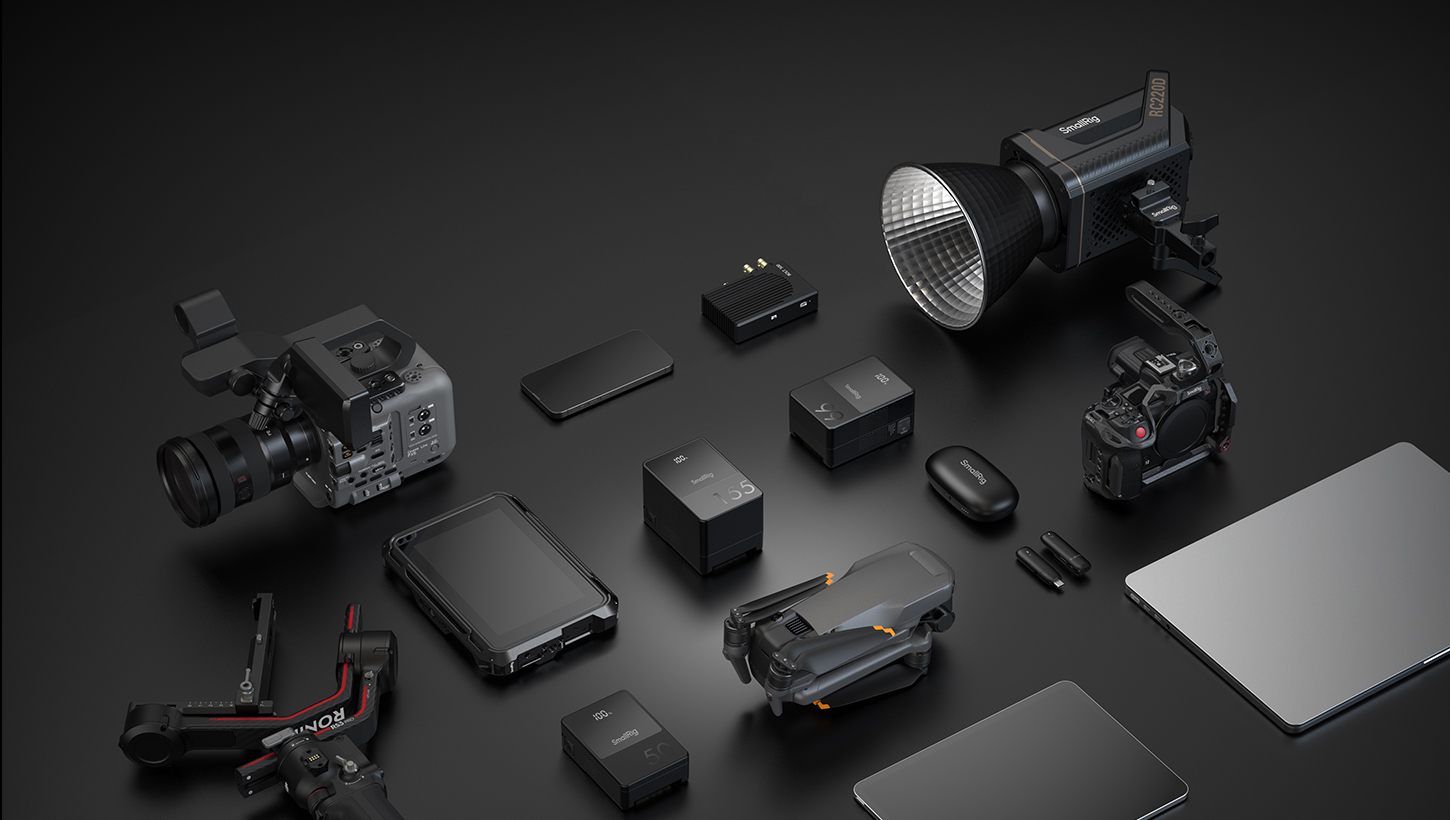
V-mount batteries excel at running multiple accessories simultaneously:
-
Monitors: Use D-Tap to 2-pin LEMO cables for on-camera monitors
-
LED lights: Many LED panels accept v-mount batteries directly or via D-Tap
-
Wireless video: Teradek and Hollyland systems run for hours on D-Tap power(a SmallRig plate with D-Tap + USB-C can simplify wiring when you’re splitting power across accessories)
-
Follow focus motors: Most draw under 5W and run forever on USB or D-Tap
One 150Wh battery can power a camera, monitor, and wireless transmitter for a few hours.
Maintenance and Safety Best Practices
Store v-mount batteries at 40-60% charge if you won't use them for weeks. Full discharge or full charge storage degrades cells faster. Keep batteries at room temperature—heat kills lithium cells.
For air travel, spare batteries from 101Wh to 160Wh typically require airline approval, and anything over 160Wh isn’t permitted for passenger carry-on. A 95Wh battery flies no questions asked. Label capacity clearly on each battery to avoid TSA hassles.
Don't drop batteries. Internal damage might not show immediately, but it can cause failure weeks later. Inspect batteries regularly for swelling, damage, or connector wear.
Conclusion
V-mount batteries power professional shoots from run-and-gun documentaries to controlled studio productions. Focus on voltage compatibility, choose capacity based on actual power draw, invest in a quality charger, and maintain batteries properly. Ready to upgrade your power system? Start with two 150Wh batteries and a dual-bay charger. It's enough for most professional work. If you want a clean, modular way to mount and distribute power, SmallRig’s V-mount plates and compact VB-series batteries are a practical place to start.
FAQ
Q1. How Many Shooting Hours Do I Get From a 150WH V Mount Battery on a Typical Camera Rig?
Runtime depends entirely on your total power draw. If your camera pulls 50W and you're running a 10W monitor, that's 60W total. A 150Wh battery divided by 60W gives you 2.5 hours of theoretical runtime. Real-world usage is usually 10-20% less due to inefficiency and BMS overhead, so expect 2-2.2 hours. High-power cinema cameras drawing 80-100W will drain the same battery in 90 minutes to 2 hours. Always calculate based on actual measured power consumption, not manufacturer estimates.
Q2. Can I Leave V-Mount Batteries on the Charger After They’re Full?
Most modern v mount battery chargers have automatic shut-off and won't overcharge batteries once they hit 100%. However, keeping batteries at full charge for extended periods (weeks or months) does degrade cell chemistry faster than storing them at 50-60% charge. If you're charging the night before a shoot and unplugging in the morning, you're fine. If batteries sit on chargers for days between uses, unplug them and store at a partial charge. Check your specific charger's documentation. Some budget chargers lack proper charge termination and can damage batteries if left connected indefinitely.
Q3. What’s the Real Difference Between Cheap and Expensive V-Mount Batteries?
Premium v-mount batteries use higher-quality lithium cells (often Panasonic or Samsung) that deliver more consistent voltage under load, handle temperature extremes better, and last around 300–500 full cycles before noticeable capacity loss in typical full-cycle use, depending on how hard you charge and discharge them. Cheap batteries often use generic cells and may land near the low end of that range, with weaker BMS protection and less accurate fuel gauging. Expensive batteries also include better D-Tap regulation and USB charging circuits. For professional work where reliability matters, spending a few hundred dollars per battery can pay off versus budget batteries that are more likely to quit early or behave inconsistently under load.
Keep Reading
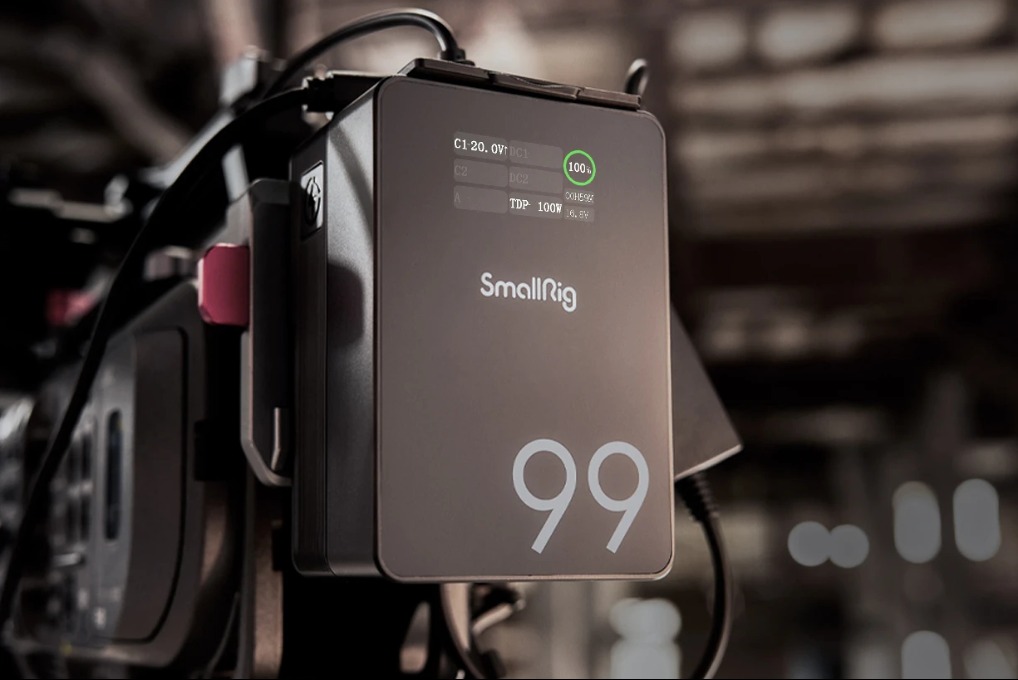 SmallRig VB99 SE vs VB99 vs VB99 Pro: Which V-Mount Battery is Best?
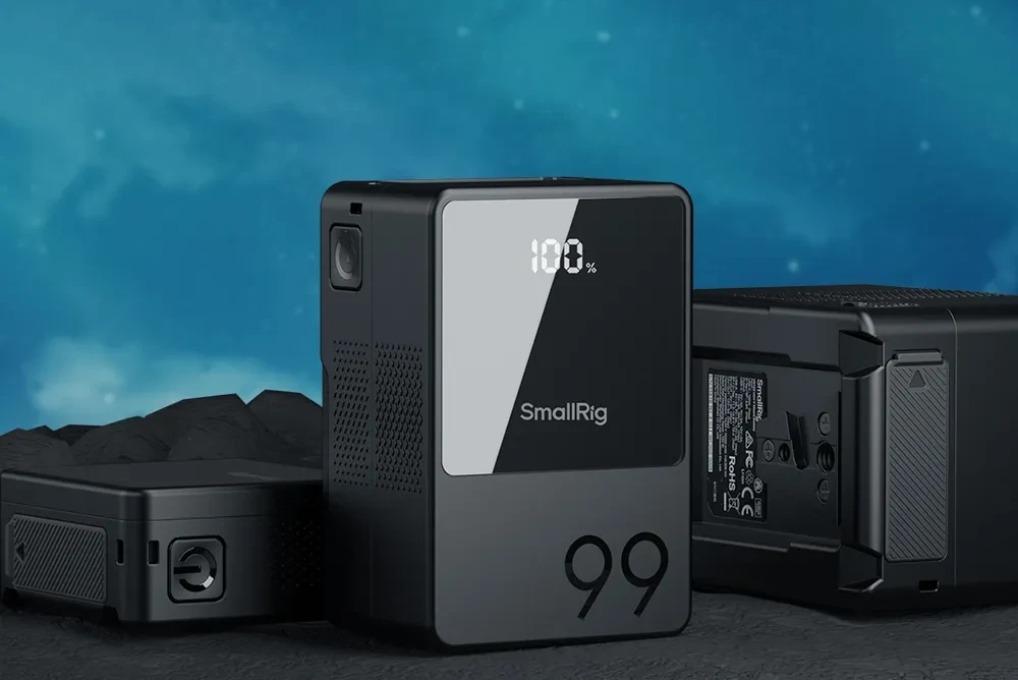 V Mount vs. Gold Mount: Which Battery System is Right for Your Camera Rig?
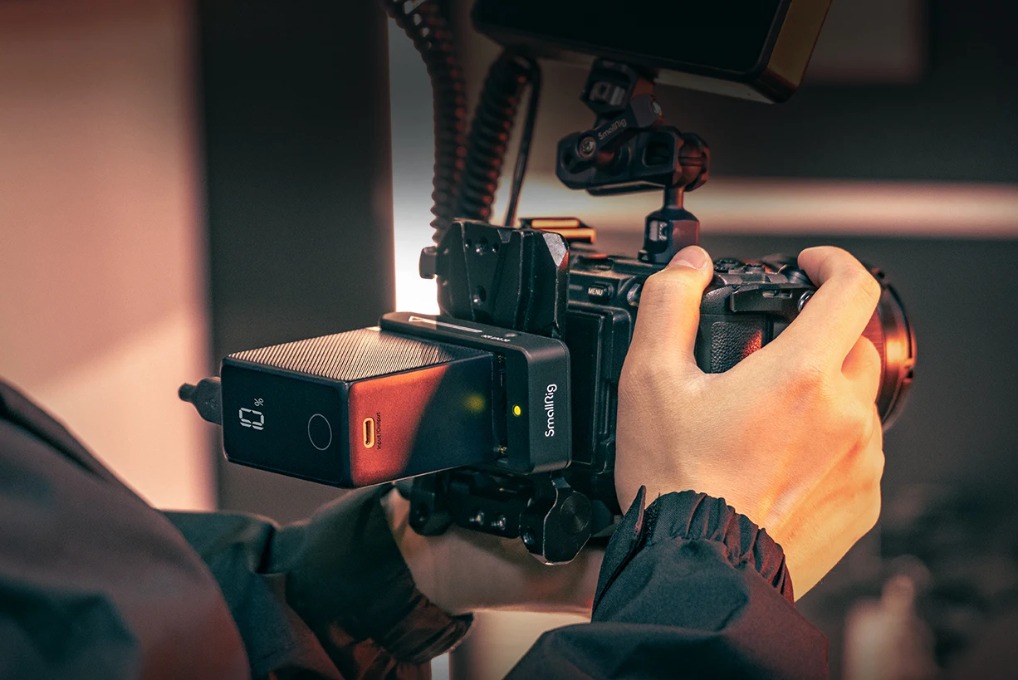 How to Charge Your Camera Battery Without a Charger?
Related Products from SmallRig