
Search smallrig.com...


Action Camera Fogging: Causes and Real-World Solutions
SmallRig 2026-03-24 20:38:05
Contents
Nobody wants foggy footage ruining their best shots. Action camera fogging happens when moisture gets trapped inside your camera or on the lens, usually because of temperature shifts and humidity. The good news? You can fix it and prevent it from happening again. Let's dig into what causes this annoying problem and how to solve it for good.
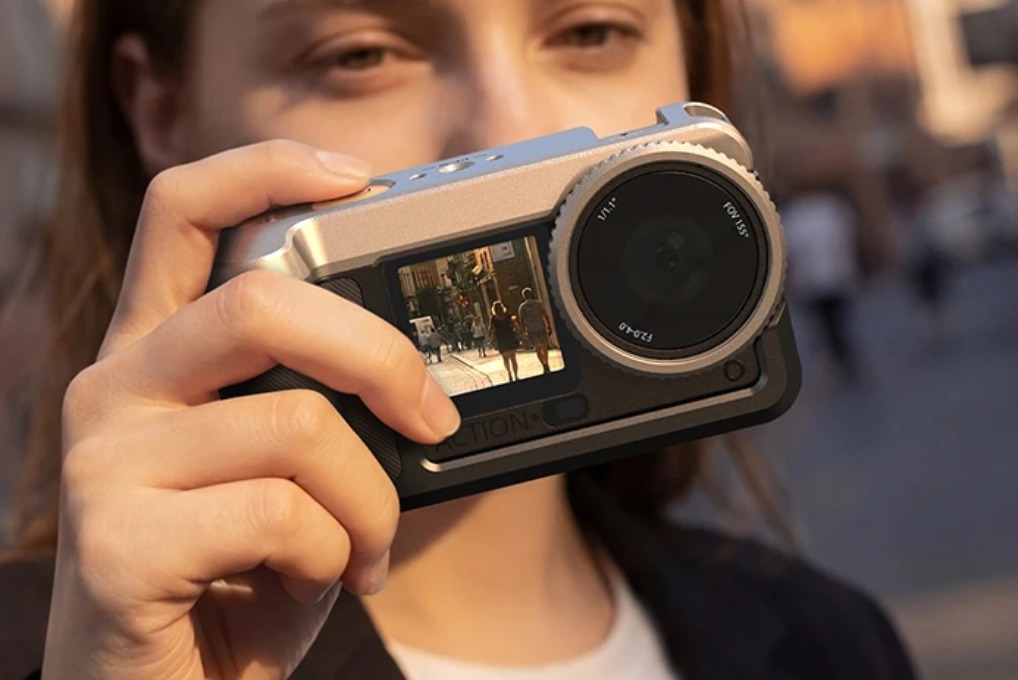
Why Does Action Camera Fogging Happen?
Understanding why your camera fogs up is the first step to stopping it. Most people think it's just about waterproofing, but there's more to the story.
Temperature Changes Cause Condensation
When you take your camera from a cold environment into a warm one (or vice versa), moisture in the air hits the cold lens and turns into water droplets. Think about how your bathroom mirror fogs up after a hot shower, same principle. This is the number one reason for action camera fogging. If you're skiing and then head into a warm lodge, your camera's going to fog up fast.
Humidity Gets Inside the Housing
Even if your camera housing is waterproof, it's not always humidity-proof. When you seal up your camera, you're trapping whatever air is inside, including moisture. On humid days, that trapped moisture has nowhere to go. Once the temperature drops, that moisture condenses on the coldest surface it can find: your lens.
Bad Seals Let Moisture In
Over time, the rubber seals on your waterproof housing wear out. Small cracks, dirt, or even stretched-out gaskets can let tiny amounts of water vapor sneak in. You might not see actual water, but that vapor is enough to create fog when conditions are right.
Quick Environment Switches Make It Worse
Jumping from your air-conditioned car into 95-degree heat, or going from a heated room straight into freezing temperatures, creates instant condensation. Your camera simply doesn't have time to adjust, and boom foggy lens. In real use, this often shows up as “car AC → hot outdoors,” “ski slope → lodge,” or “underwater → surface wind,” so the fix is less about “waterproof” and more about managing temperature and trapped humidity.
How Can You Prevent Action Camera Fogging?
Prevention beats cleanup every time. A few simple steps before you start filming can save you hours of frustration.
Let Your Camera Adjust to Temperature
Give your camera 15-20 minutes to match the outside temperature before you start recording. Keep it in its case, but don't seal it completely. This gradual adjustment lets moisture escape naturally instead of getting trapped inside.
Use Anti-Fog Inserts and Silica Gel
Those little packets that say "Do Not Eat"? They're perfect for your camera. Toss a couple of silica gel packets into your camera housing before you seal it up. They'll absorb any moisture that's already inside. Anti-fog inserts work even better: they're specifically designed for camera housings and last longer than regular desiccants.
Try DIY Anti-Fog Tricks
Some people swear by rubbing a tiny bit of dish soap on the inside of their lens and wiping it off with a microfiber cloth. Others use toothpaste or shaving cream the same way. These create a thin barrier that stops water droplets from forming. Only do this as a last resort, and apply it to the inside of the housing’s clear cover (not your camera’s actual lens). Test a tiny corner first: some plastics and coatings can haze or scratch, and leftover residue can soften image quality. Just be careful not to get any on the lens itself, only on the housing's interior plastic.
Keep Everything Clean and Dry
Before you close up your camera housing, make sure both the camera and the inside of the case are completely dry. Check those seals too. A quick wipe with a clean cloth takes five seconds and prevents hours of problems.
Do Camera Lights Affect Action Camera Fogging?
Here's something most people don't think about: your lighting setup can actually make fogging worse or better.
Heat from LED Lights Creates Moisture
Camera lights generate heat, especially if you're using them for a long time. That heat warms up the air inside your camera housing, which can hold more moisture. When you turn the lights off and things cool down, that moisture has to go somewhere, usually onto your lens. Compact LED panels are the worst offenders because they're right up against your camera.
External vs. Internal Lighting Setup
Mounting your camera lights outside your housing solves this problem completely. The heat stays away from your camera, and you get better lighting anyway since there's no plastic between the light and your subject. If you need lights inside the housing, use low-power LEDs and keep your filming sessions short.
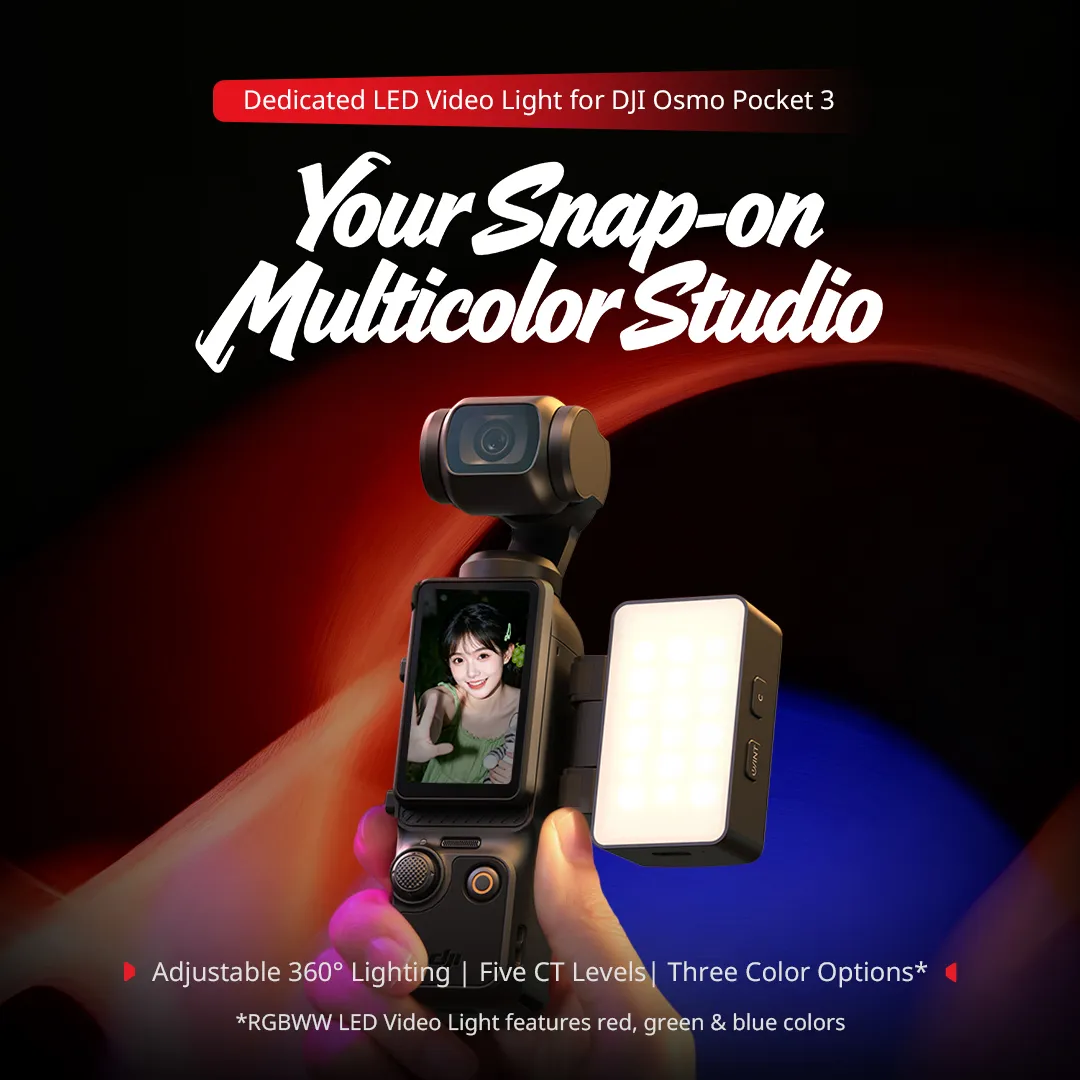
For a real-world example of keeping lighting external (so heat doesn’t build inside a sealed case), SmallRig’s RGBWW LED Video Light for DJI Osmo Pocket 3 clips onto the camera body and is designed to run outside the housing, exactly the idea you want when you’re trying to reduce fogging risk.
Balance Your Lighting with Airflow
If you're using a housing with ventilation holes (the non-waterproof kind), position your lights where they won't block airflow. Hot air needs somewhere to escape. Some people drill extra vent holes in non-waterproof housings, but only do this if you're sure you won't need waterproofing later.
Smart Temperature Control
Here's a pro tip: turn your camera lights on during that temperature adjustment period I mentioned earlier. Let them warm up the housing gradually while it's still open. Then turn them off, let everything cool for a minute, add your anti-fog inserts, and seal it up. The housing will stay at a more stable temperature.
What Action Camera Accessories Actually Help with Fogging?
Not all accessories are created equal. Some are game-changers, while others are just expensive paperweights. Choosing the right accessories for your action camera can greatly enhance your shooting quality.
Anti-Fog Inserts Are Your Best Friend
These reusable inserts (usually around $10-15 for a pack) stick to the inside of your housing and absorb moisture for months. They’re reusable, but how long they last depends on humidity and how often you open the housing. Many inserts are meant to be dried out and reused, so keep a small “drying routine” (low heat or airflow) instead of assuming they’ll work for the same number of weeks in every climate. They're better than silica gel because they're designed specifically for cameras and last way longer.
Ventilated Housings for Non-Water Activities
If you're not going underwater, why use a waterproof case? Skeleton housings or frame mounts let air circulate freely. No trapped moisture means no fogging. These are perfect for biking, car camera mount setups, or any dry environment.
Just remember: if your camera body isn’t rated for rain or you’re shooting in spray/snow, a ventilated mount trades fog resistance for water protection: choose based on conditions.
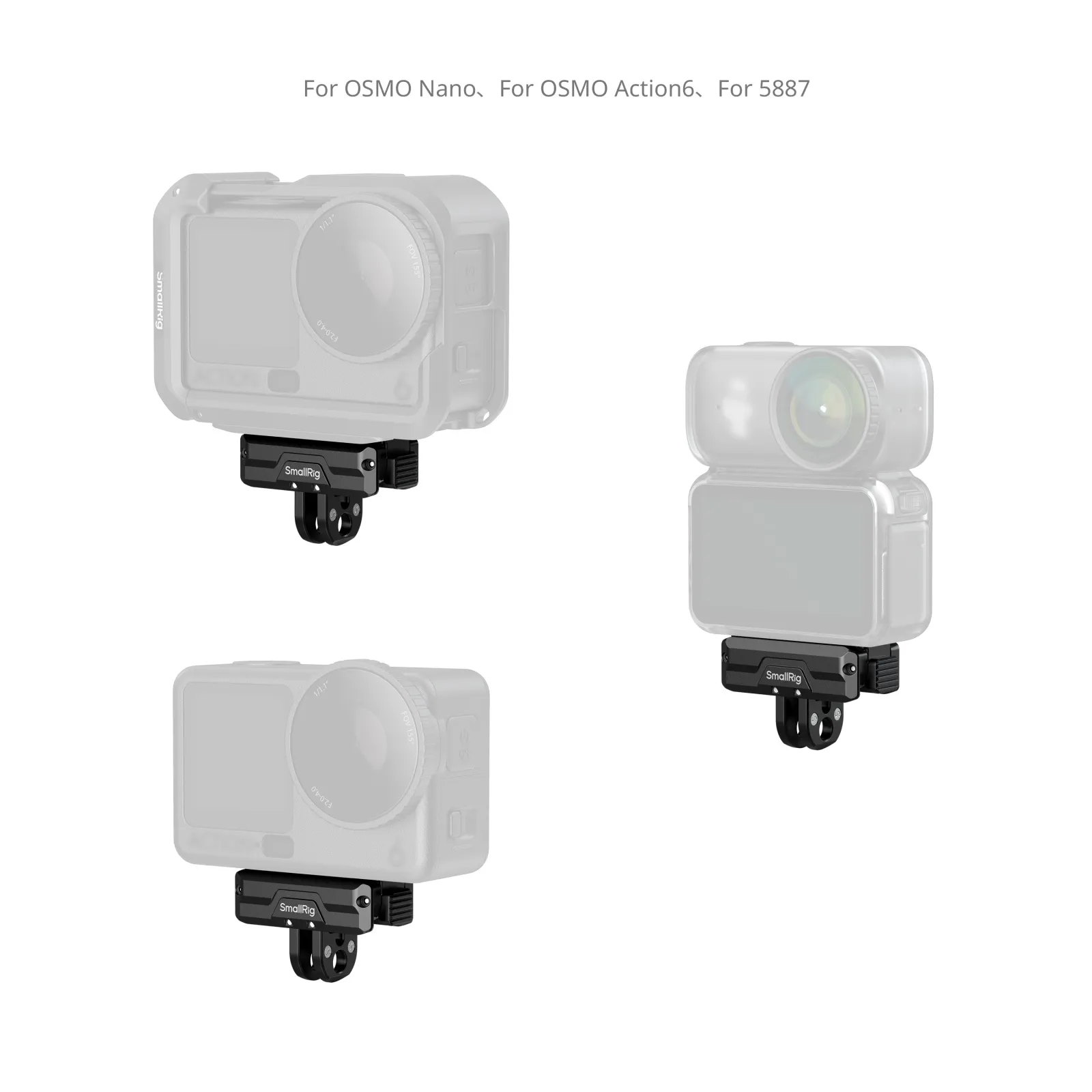
If you’re on DJI Action cameras and you want to switch away from a fully sealed case more often, SmallRig’s Dual-Mount Support for DJI Action Cameras is built around a magnetic quick-release system and adds a 1/4"-20 threaded hole plus a foldable 2-prong mount, handy for moving between frame mounts, tripods, and sticks without reworking your whole setup.
Quality Waterproof Cases Matter
Cheap housings fog up more because their seals aren't as good. Investing in a quality case from a reputable brand means better seals, better materials, and less fogging. Look for cases with double O-rings and latches that create a tight seal without requiring Hulk-level strength to close.
Smart Accessory Combinations
Here's what actually works: quality housing + anti-fog inserts + proper temperature adjustment. That combination beats any single "miracle" product. Some people also swear by camera housing fans (tiny battery-powered fans that mount inside), but honestly, they're overkill for most situations.
FAQ
Q1. Can I Use My Action Camera in the Rain Without It Fogging Up?
Rain itself won't cause fogging; it's what you do before and after that matters. If your camera is already cold and you seal it up in humid rain conditions, you're asking for trouble. The trick is sealing up your camera before you go outside, while it's still at room temperature with anti-fog inserts inside. The rain hitting the outside won't matter because moisture can't get in. Just avoid opening the housing in humid conditions, or you'll trap that moisture inside. If you need to swap batteries or memory cards, do it in a dry place, quickly.
Q2. How Do I Defog My Action Camera if It’s Already Fogged Up?
If you're already dealing with fog, you need to remove the moisture, not just wipe the lens. Open the housing in a dry, warm environment. Take out the camera and any accessories. Use a hairdryer on low heat (not hot, you'll damage electronics) to gently warm the housing for a few minutes. The warmth helps evaporate trapped moisture. Wipe everything down with a dry microfiber cloth, add fresh silica gel packets, and leave it open for 30 minutes before sealing it back up. Some people put their camera in front of a dehumidifier, which works great if you've got one handy.
Q3. Does the Car Camera Mount Position Affect Fogging Issues?
Absolutely. Mounting your camera on the dashboard in direct sunlight creates a heat trap that makes fogging worse when you start driving with the AC on. The cold air hits the hot camera housing and creates instant condensation. Windshield mounts work better because they get more airflow, but they still face temperature extremes. The best car camera mount position is somewhere that stays at a consistent temperature, like on your rearview mirror stem or lower on the windshield where the defroster can reach. If you're doing dashboard mounting, use a ventilated housing or at least crack a window to equalize temperatures before sealing up your camera.
Conclusion
Fogging doesn't have to ruin your footage. Start preventing action camera fogging today by grabbing some anti-fog inserts, checking your housing seals, and giving your camera time to adjust to temperature changes. Your future self will thank you when every shot comes out crystal clear.
If you’re upgrading your rig anyway, consider building a “low-fog” setup around SmallRig’s Action Camera accessories: use the Dual-Mount Support to switch into more breathable mounting options when you’re not underwater, pair external lighting (like the RGBWW light for Pocket 3-style compact shooting), and keep your housing closed with reliable wireless audio.
Keep Reading
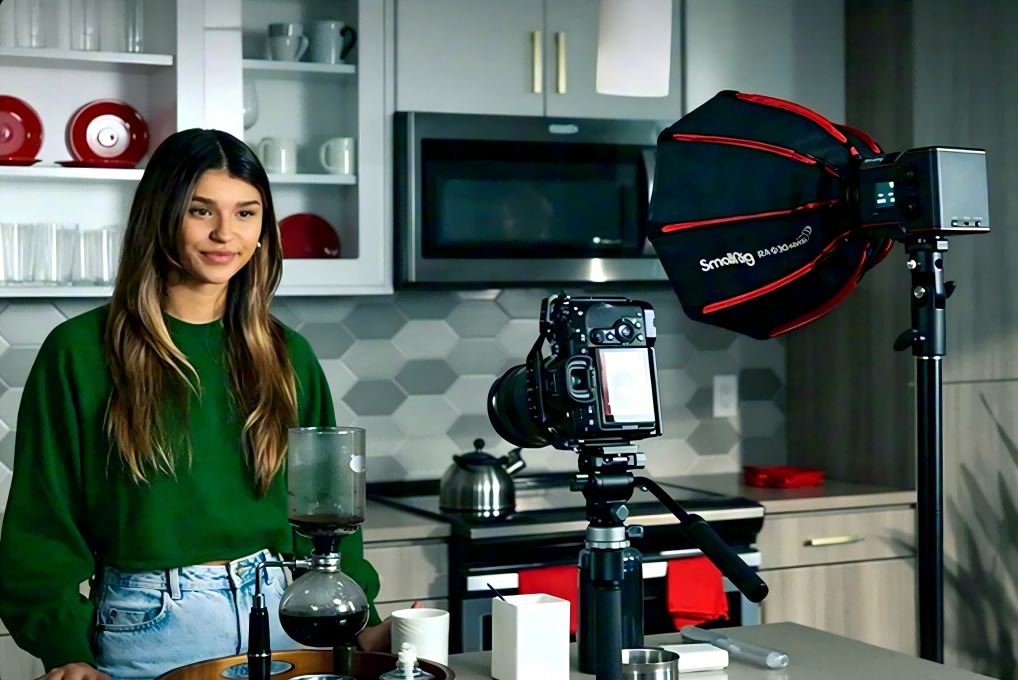 Best Portable Lighting Setup for Solo Content Creators
 From Bare Phone to Pro Rig: The Complete Setup Guide for SmallRig × Brandon Li
 Best Travel Tripods 2026: Carbon Fiber vs Aluminum — Which Should You Choose?