
Search smallrig.com...


4596 Wireless Remote Shutter Firmware Upgrade Guide
SmallRig Support Team 2025-10-20 20:43:11
Introduction
- This firmware is mainly intended for the iPhone 17 series and iPhones that have been upgraded to the iOS 26 system version.
- This firmware is intended for the already sold 4596 Co-Design Edition. The 4596B is already compatible with iOS 26 and above, so no upgrade is necessary.
- Upgrading the firmware package must be done on an Android phone; iPhone does not support installing this APK file.
- Please unpair the remote control from your phone's Wireless before upgrading the firmware.
Upgrade Guide
1. Copy the following links into your browser to download the required software and firmware packages, and save them to your phone.
2. Open the folder where the file is saved and select the software installation package in APK format to install,and refer to the installation guide below for detailed instructions.
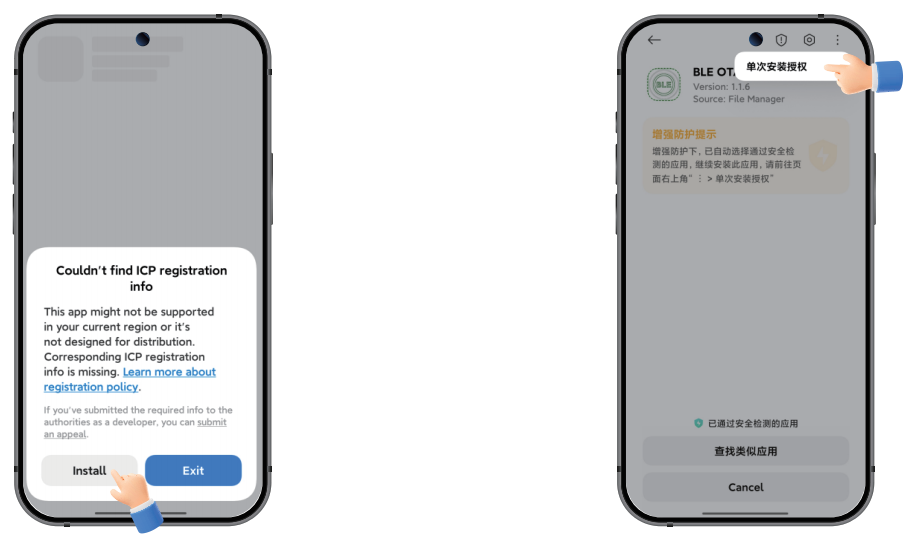
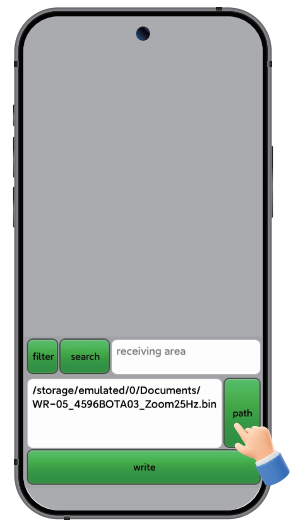
3. Turn on the phone's Wireless and location, then open the installed APK app, and click “path" to select the downloaded firmware.
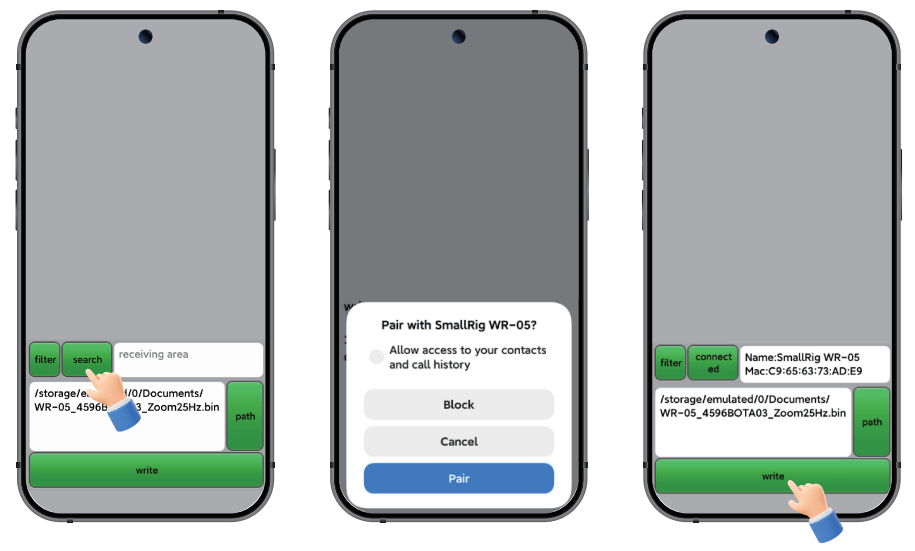
4. Turn on the Wireless remote shutter. In the mobile app, click “search” to select the Wireless device you want to upgrade to and pair it. After the connection is complete, click “write” to start the update. The update progress will be displayed during the writing process, and the green light on the Wireless remote control will remain on.
5. When the writing progress reaches 100%, the app will display “Success” and “Disconnect”, indicating that the upgrade is complete. Unpair the Android phone from the Wireless remote shutter.
Shoot Setting
1. Apple iOS system connection settings:
After completing the Wireless connection with an iPhone, make the following settings:
Go to Apple “Settings” → “Accessibility” → “Zoom” → “On”
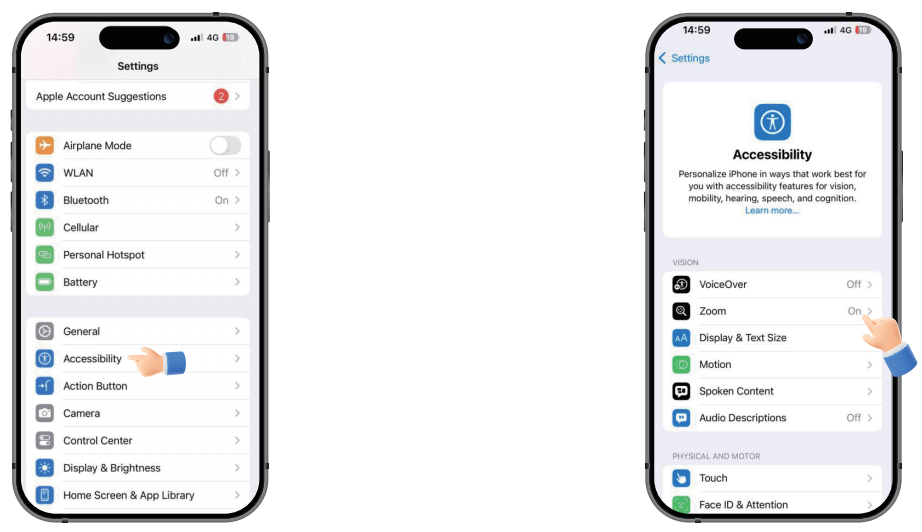
Double-tap the screen with three fingers, select the appropriate screen zoom ratio, and exit to start using the zoom function of the remote control.
2. Android System Settings:
Follow the prompts to connect your phone with the remote control. Once completed, you can use the remote shooting and zoom functions.
Keep Reading
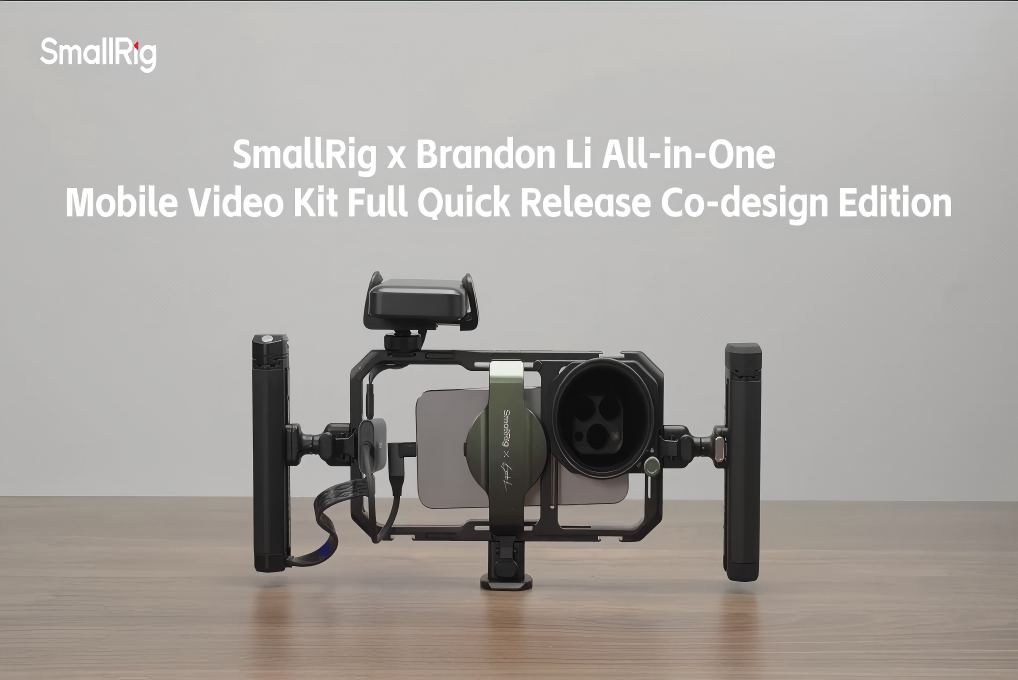 From Bare Phone to Pro Rig: The Complete Setup Guide for SmallRig × Brandon Li
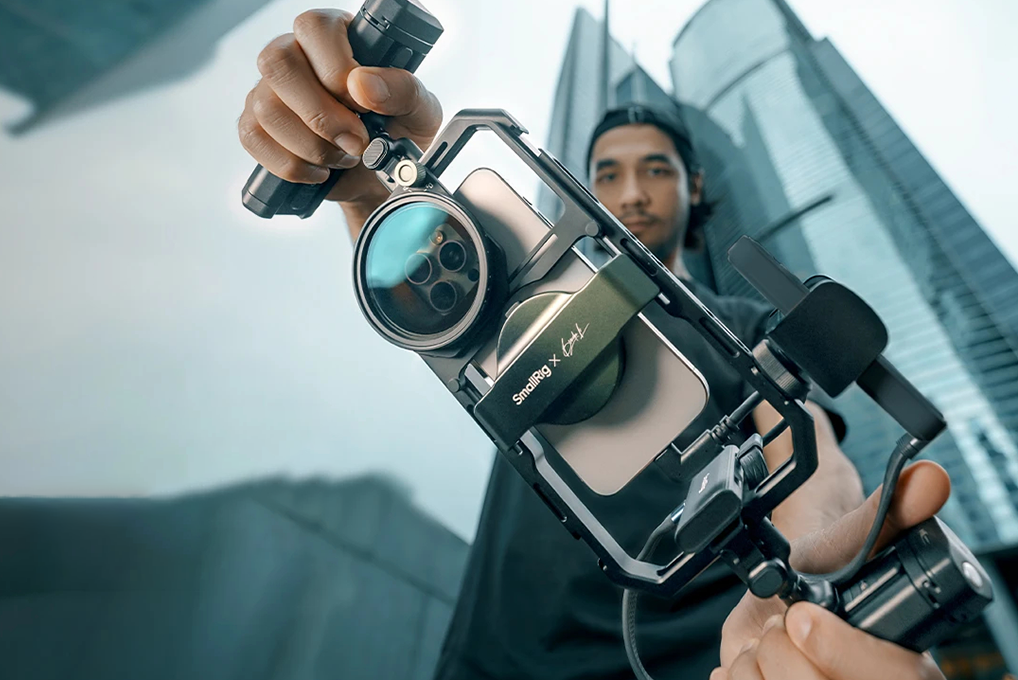 Mobile Cinema Rig Guide: Must-Have Accessories for Smartphone Video Creation
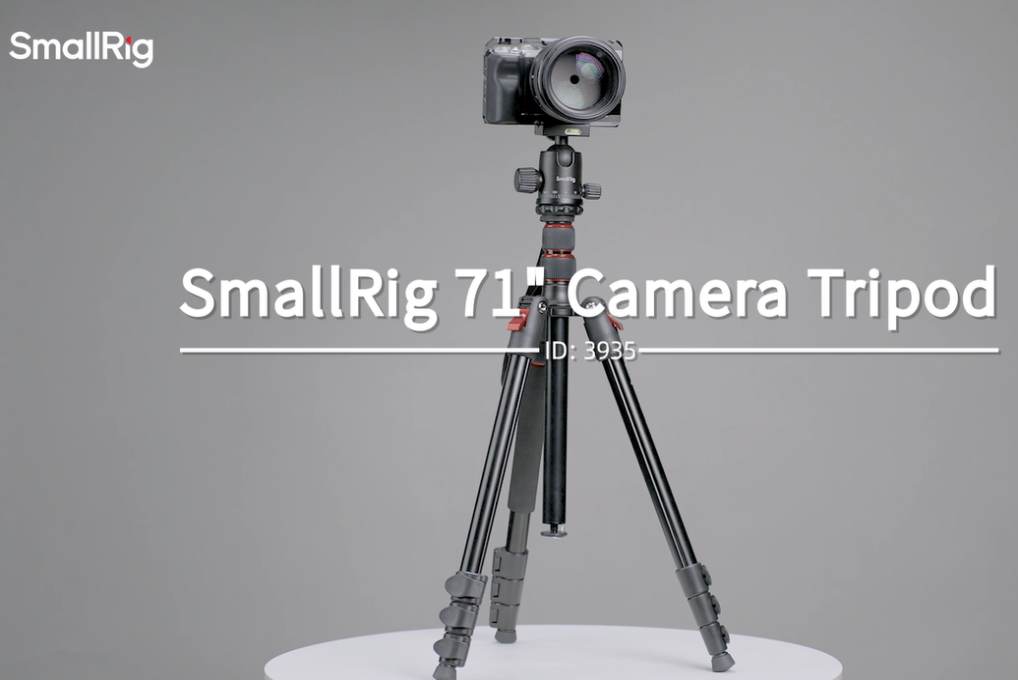 71" Camera Tripod 3935: A Quick Guide to Mastering Versatile Shooting